How to Change Email on Facebook (Step-by-Step Guide)
In today’s digital world, keeping your social media accounts secure and up to date is essential. Facebook allows users to manage their contact details easily, but many people still wonder how to change email on facebook. Whether you have switched to a new email provider or want to improve account security, understanding the steps to change email on Facebook helps you stay in control of your account and receive important notifications without interruption.
Quick Answer: How to Change Email on Facebook
How to change email on facebook can be done by opening your account settings, navigating to contact information, adding a new email address, verifying it, and then removing the old one. This process works the same on both desktop and mobile devices.
Why Updating Your Email on Facebook Is Important
Keeping your email address current plays a key role in account security and recovery. An outdated email can prevent you from receiving login alerts or password reset links. Knowing how to change email on facebook ensures that you always have access to your account and that Facebook can reach you when security verification is needed.
Accessing Facebook Account Settings
To begin the facebook email change process, log into your account and click the arrow icon in the top-right corner of the homepage. From the menu, choose “Settings & Privacy,” then open “Settings.” This area contains all account-related options and is where you start learning how to modify email on Facebook safely.
For the most accurate and up-to-date information about changing your email safely, you can review Facebook’s official Help Center.
Finding the Contact Information Section
Inside the settings menu, locate the contact information section where your current email address is listed. This is where Facebook allows you to manage communication details. If you are unsure how to change email address on facebook, make sure you are in the correct section before making any updates.
Adding a New Email Address
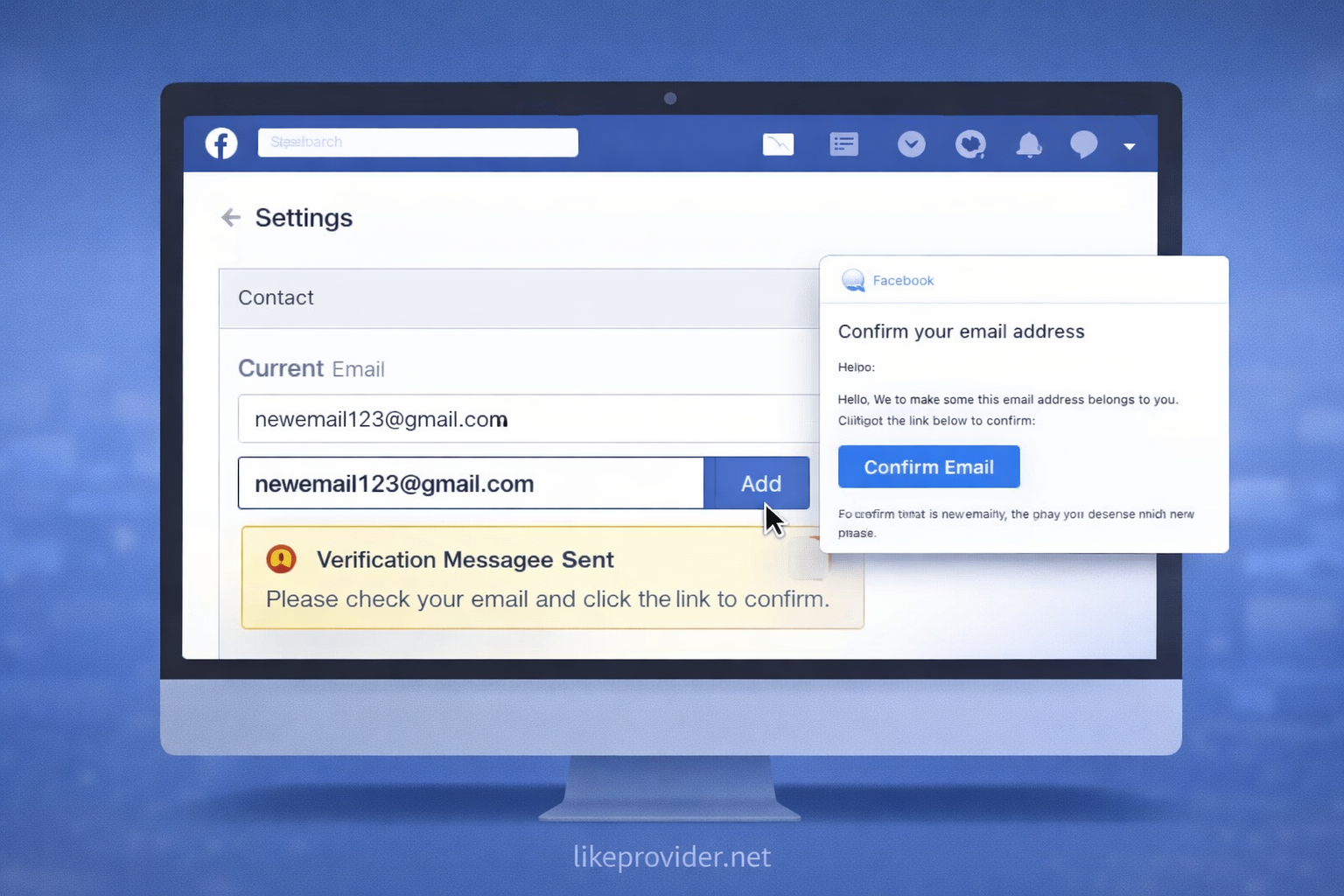
To change your email address on Facebook, add your new email in the contact section and confirm the action. Make sure the email is active and accessible, as Facebook will send a verification message. Without verification, the new email will not become fully active.
Verifying Your New Email
After adding your email, Facebook requires confirmation to verify ownership. This step is essential when completing how to change email on facebook. Check your inbox for the verification message and follow the link provided. If it does not appear, reviewing your spam folder may help.
Removing Your Old Email Address
Once your new email is verified, you can safely remove the old email from your account. This prevents notifications from being sent to an unused address and completes the process of how to change email on facebook account.
Does Changing Your Email Affect Your Facebook Account?
Changing your email does not affect your profile, friends, or posts. When you complete how to change email on facebook, only your login and contact details are updated, while all account content remains the same.
Common Problems When Changing Email on Facebook
Some users experience issues such as delayed verification emails or repeated password prompts. These problems are usually temporary and can be resolved by checking login details or waiting before retrying. Understanding how to change email on facebook properly helps avoid unnecessary account restrictions.
Is It Safe to Change Your Email on Facebook?
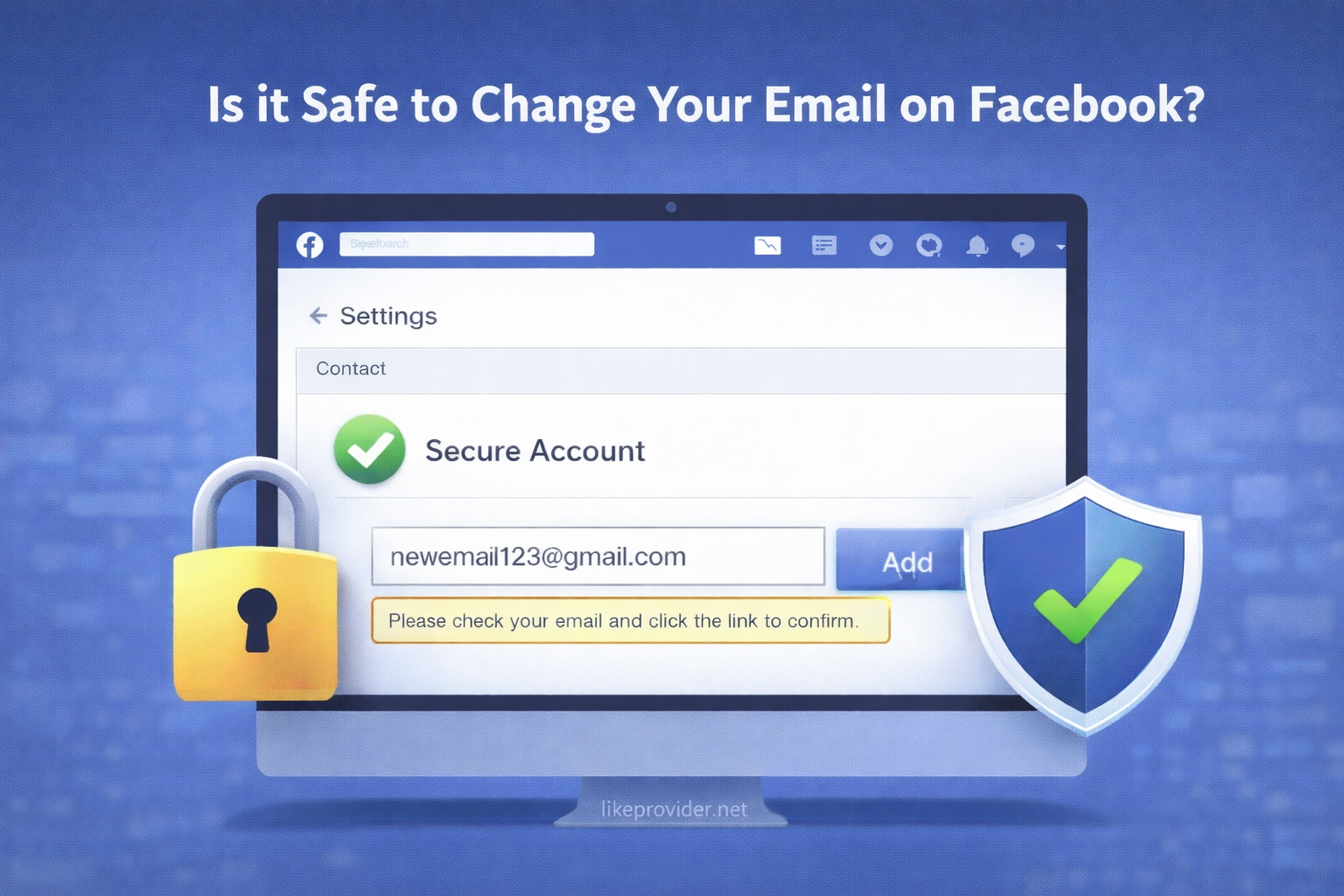
Yes, changing your email is safe when done through official Facebook settings. Following the correct steps for how to change email on facebook ensures your account remains secure and accessible at all times.
Conclusion
Learning how to change email on facebook is a simple but important step toward maintaining account security and control. By keeping your contact information updated, you ensure uninterrupted access to your account and faster recovery if issues arise. After updating your account details, you may also explore free Facebook followers to improve your profile visibility. This guide is updated regularly to reflect the latest Facebook settings.
If you are managing multiple social media accounts or services, using a reliable SMM panel can help you streamline growth and account management more efficiently.