How to Lock Facebook Profile (2026 Guide) – Step-by-Step Privacy Setup
Facebook profile lock is one of the most useful privacy features for users who want more control over who can see their personal information. If you are wondering how to lock Facebook profile, what it does, and whether it is available in your country, this guide explains everything step by step.
In this article, you will learn how to lock your Facebook profile on mobile and desktop, what changes after locking your profile, and how to fix common issues when the option does not appear.
What Does Locking a Facebook Profile Mean?
Locking your Facebook profile limits what people who are not your friends can see. Once your profile is locked:
-
Only friends can view your full-size profile picture and cover photo
-
Posts and photos shared with “Friends” are no longer visible to the public
-
Timeline and About section information becomes restricted
-
Non-friends cannot download or share your profile photos
This feature is especially useful for users who care about privacy, online safety, or want to reduce profile stalking.
Who Can Use the Facebook Profile Lock Feature?
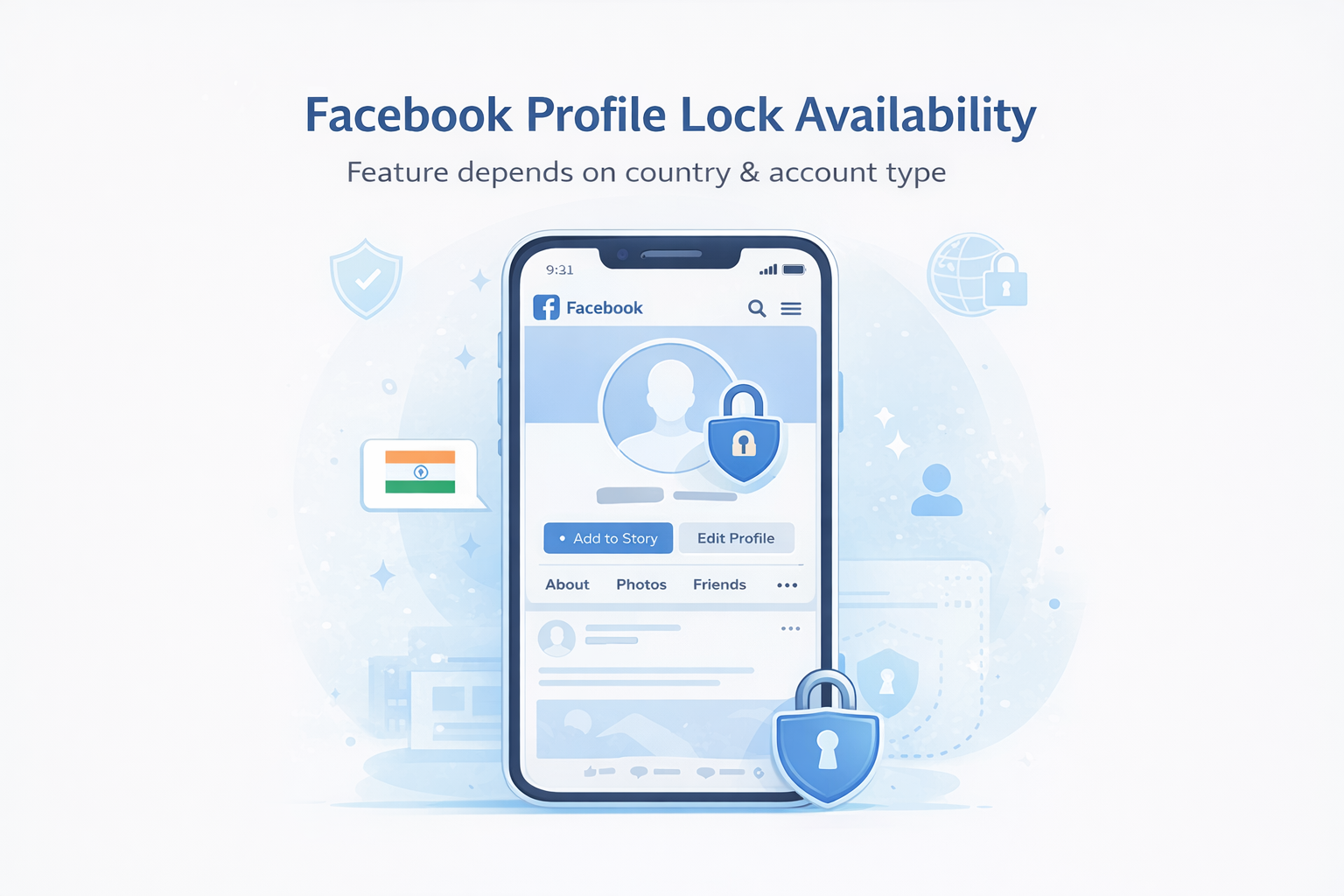
The Facebook profile lock feature is not available in every country. Facebook first introduced it in selected regions and later expanded access.
You are more likely to see the option if:
-
You are using the Facebook mobile app
-
Your account is personal (not a business page)
-
Your country supports the profile lock feature
If you do not see the option, do not worry. There are workarounds explained later in this guide.
How to Lock Facebook Profile on Mobile (Android & iOS)
Most users can lock their Facebook profile using the mobile app. Follow these steps:
-
Open the Facebook app on your phone
-
Go to your profile page
-
Tap the three-dot menu next to “Edit Profile”
-
Select Lock Profile
-
Tap Lock Your Profile to confirm
Once completed, your profile is instantly locked. Facebook will also show a short summary of what changes after locking your profile.
How to Lock Facebook Profile on Desktop
For some users, the lock option may also appear on desktop:
-
Open Facebook in your browser
-
Go to your profile
-
Click the three-dot menu next to “Edit Profile”
-
Select Lock Profile if available
If you do not see the option on desktop, try using the mobile app instead. Facebook usually prioritizes new features on mobile.
What Happens After You Lock Your Facebook Profile?
After locking your profile, Facebook automatically adjusts several privacy settings:
-
Public posts switch to friends-only
-
Profile and cover photos become protected
-
Timeline visibility is restricted
-
Tagged photos are less accessible to non-friends
You can still post normally, accept friend requests, and interact with others. The only difference is who can see your personal content.
If you are curious about how Facebook profile visibility works, you can also check our Facebook Profile Viewer to better understand what profile information may be visible to others.
How to Unlock Facebook Profile
If you change your mind, unlocking your profile is easy:
-
Go to your Facebook profile
-
Tap or click the three-dot menu
-
Select Unlock Profile
-
Confirm your choice
After unlocking, your previous privacy settings may not fully restore automatically, so it is a good idea to review your privacy settings manually.
Why Can’t I See the Lock Profile Option?
Many users search for how to lock Facebook profile because the option is missing. Common reasons include:
-
The feature is not available in your country
-
You are using an outdated Facebook app
-
Your account is new or restricted
-
You are using Facebook Lite or an old browser
Fixes You Can Try:
-
Update the Facebook app
-
Log in from a different device
-
Switch your language and region settings
-
Use the standard Facebook app instead of Lite
These steps sometimes trigger the feature to appear.
Is Facebook Profile Lock Worth It?
Yes, especially if privacy matters to you. Locking your Facebook profile helps reduce unwanted attention, protects personal photos, and limits data exposure. While it is not a replacement for full privacy settings, it adds an extra layer of control with minimal effort.
Some users also explore tools that help increase profile visibility, such as Takipcimx 1000 especially when growing a new Facebook or Instagram account.
Final Thoughts
Learning how to lock Facebook profile is one of the simplest ways to improve your online privacy in 2026. Whether you are concerned about strangers viewing your content or just want a more private experience, the profile lock feature is a smart choice.
If the option is available on your account, enabling it takes less than a minute and provides long-term benefits for your digital safety.
You can learn more about Facebook’s official profile lock feature by visiting Facebook’s Privacy Help Center for the most accurate and up-to-date information.