How to See Rejected Instagram Follow Requests (2026 Guide)
Many Instagram users wonder how to see rejected Instagram follow requests after sending a follow request to a private account. Unfortunately, Instagram does not make this process clear, which often leads to confusion.
In this detailed 2026 guide, you’ll learn how to see rejected Instagram follow requests, what Instagram officially allows, and how to tell if your follow request was declined — without using unsafe third-party apps.
Can You See Rejected Instagram Follow Requests?
The short answer is no.
Instagram does not provide a direct way to see rejected Instagram follow requests. Once a follow request is declined, it disappears completely. There is no notification, no warning, and no visible history showing that your request was rejected.
Instagram only shows pending follow requests, not rejected ones. This design is intentional and focused on user privacy.
Why Instagram Doesn’t Show Rejected Follow Requests
Instagram prioritizes privacy for private accounts. If users could see rejected follow requests, it could lead to harassment, pressure, or unwanted interactions.
That’s why:
-
You cannot see a list of rejected Instagram follow requests
-
You are not notified when someone rejects your request
-
Instagram removes the request silently
Even in 2026, this policy remains unchanged.
How to See If Your Instagram Follow Request Was Rejected
While you can’t directly see rejected Instagram follow requests, there are clear signs that help you understand what happened.
1. The “Requested” Button Changes Back to “Follow”
This is the most reliable indicator.
If:
-
You sent a follow request
-
The profile is private
-
The button previously said Requested
-
And now it says Follow
Then your Instagram follow request was most likely rejected.
2. You Still Can’t See Their Posts or Stories
If weeks pass and:
-
You still can’t view their content
-
Their profile remains private
-
The follow button never changes to “Following”
This usually means your request was declined or ignored.
3. Your Request Is Missing from Pending Requests
Instagram allows you to see pending follow requests, but once a request is rejected, it disappears.
To check pending requests:
-
Go to Settings
-
Tap Security
-
Open Access Data
-
Select Connections
-
Tap Follow Requests
If the username is not listed, it means the request is no longer pending — likely rejected.
Where to See Pending (Not Rejected) Instagram Follow Requests
It’s important to understand the difference between pending and rejected requests.
Instagram only lets you see pending follow requests.
How to Check Pending Follow Requests:
-
Settings → Security → Access Data → Connections → Follow Requests
This section does not show rejected Instagram follow requests. It only shows requests that are still waiting for approval.
Does Instagram Notify You When a Follow Request Is Rejected?
No.
Instagram does not send any notification when:
-
Your follow request is rejected
-
Your request is removed
-
Someone ignores your request
The app stays completely silent.
Can You Withdraw a Follow Request Before It’s Rejected?
Yes. If your request is still pending, you can cancel it manually.
How to Cancel a Follow Request:
-
Open the user’s profile
-
Tap Requested
-
Confirm cancellation
This immediately removes your follow request.
Can You Resend a Follow Request After Rejection?
Yes, but be careful.
If you resend follow requests repeatedly:
-
Instagram may flag your account
-
You could trigger spam detection
-
Your account reach may be limited
Best practice:
Wait at least 1–2 weeks before sending another follow request.
Can Third-Party Apps Show Rejected Instagram Follow Requests?
No legitimate app can.
Any app claiming to:
-
Show rejected Instagram follow requests
-
Track who declined your follow
-
Reveal hidden follow data
is unsafe.
These apps often:
-
Violate Instagram’s terms
-
Request account passwords
-
Risk account suspension or hacking
Avoid them completely.
Common Myths About Rejected Instagram Follow Requests
❌ “There’s a hidden Instagram feature to see rejected requests”
→ False
❌ “Business accounts can see rejected requests”
→ False
❌ “Older versions of Instagram show rejected requests”
→ False
Instagram has never allowed users to see rejected follow requests.
Why Follow Requests Sometimes Disappear Without Rejection
Sometimes, a follow request disappears for other reasons:
-
The user deleted their account
-
The account was suspended
-
The user switched to public and back to private
-
Instagram removed inactive requests
Not every missing request means rejection, but most do.
Before sending a follow request, increasing visibility on your posts with free Instagram views can make your profile look more active and appealing.
Best Practices When Sending Follow Requests on Instagram
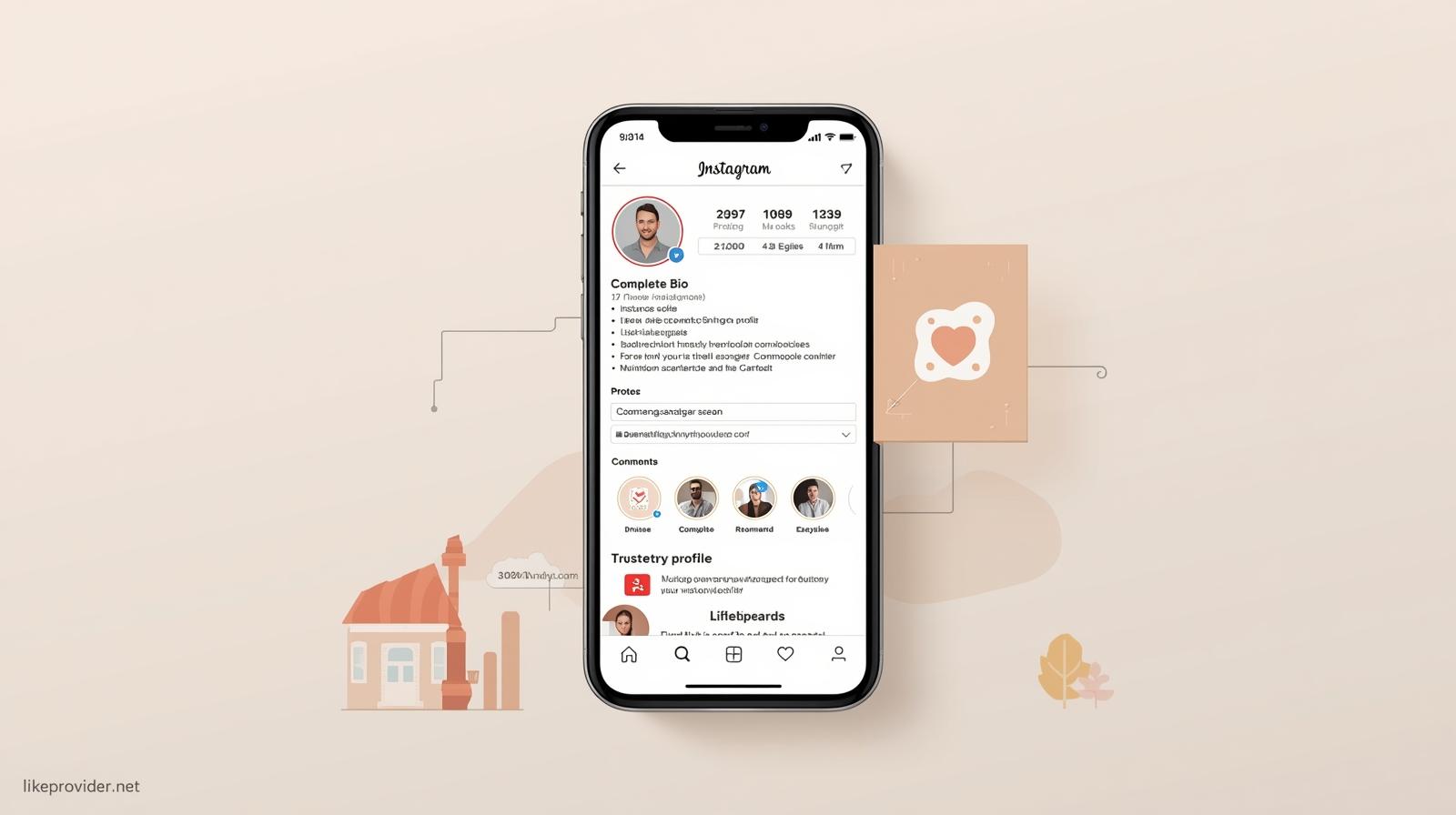
To reduce rejection chances:
-
Complete your bio clearly
-
Use a real profile photo
-
Avoid sending mass follow requests
-
Engage with public posts first
-
Avoid spam-like usernames
A trustworthy profile increases acceptance rates.
If you’re trying to increase engagement before sending follow requests, using free comments on Instagram can help make your profile look more active and trustworthy.
Frequently Asked Questions (FAQ)
Can you see rejected Instagram follow requests?
No. Instagram does not allow users to see rejected follow requests.
How do I know if my follow request was rejected?
If the “Requested” button changes back to “Follow,” your request was likely rejected.
Where can I see pending follow requests?
Settings → Security → Access Data → Connections → Follow Requests.
Does Instagram notify you about rejected requests?
No. Instagram never sends notifications for rejected follow requests.
Final Thoughts
If you’re searching for how to see rejected Instagram follow requests, the reality is simple: Instagram doesn’t show them directly. However, by understanding how follow requests behave and recognizing key signs, you can confidently tell when a request has been rejected.
Always avoid third-party apps, follow Instagram’s rules, and focus on maintaining a genuine profile for better results.
For the most accurate and up-to-date information, you can review Instagram’s official Help Center guidance on follow requests to understand how Instagram handles pending and rejected requests.