How to Post Music on Spotify in 2026 (Step-by-Step for Beginners)
Are you an aspiring musician looking to share your tracks with a global audience? Learning how to post music on Spotify may feel confusing at first, especially if you are new to music distribution. The good news is that the process is much simpler than it seems when broken down into clear steps. In this guide, you’ll learn exactly how to upload, distribute, and publish your music on Spotify without unnecessary complications.
Understanding Spotify’s Music Distribution Process
Spotify does not allow artists to upload songs directly. Instead, musicians use digital distributors to deliver their music to the platform. Understanding this system is essential if you want to master how to post music on Spotify. Distributors handle licensing, metadata, and delivery, ensuring your tracks reach Spotify correctly and are discoverable by listeners.
If you are exploring how to post music on Spotify for free, some distributors offer no-upfront-cost plans, although these may include revenue sharing or limited features. Knowing these differences helps you choose the right path for your music career.
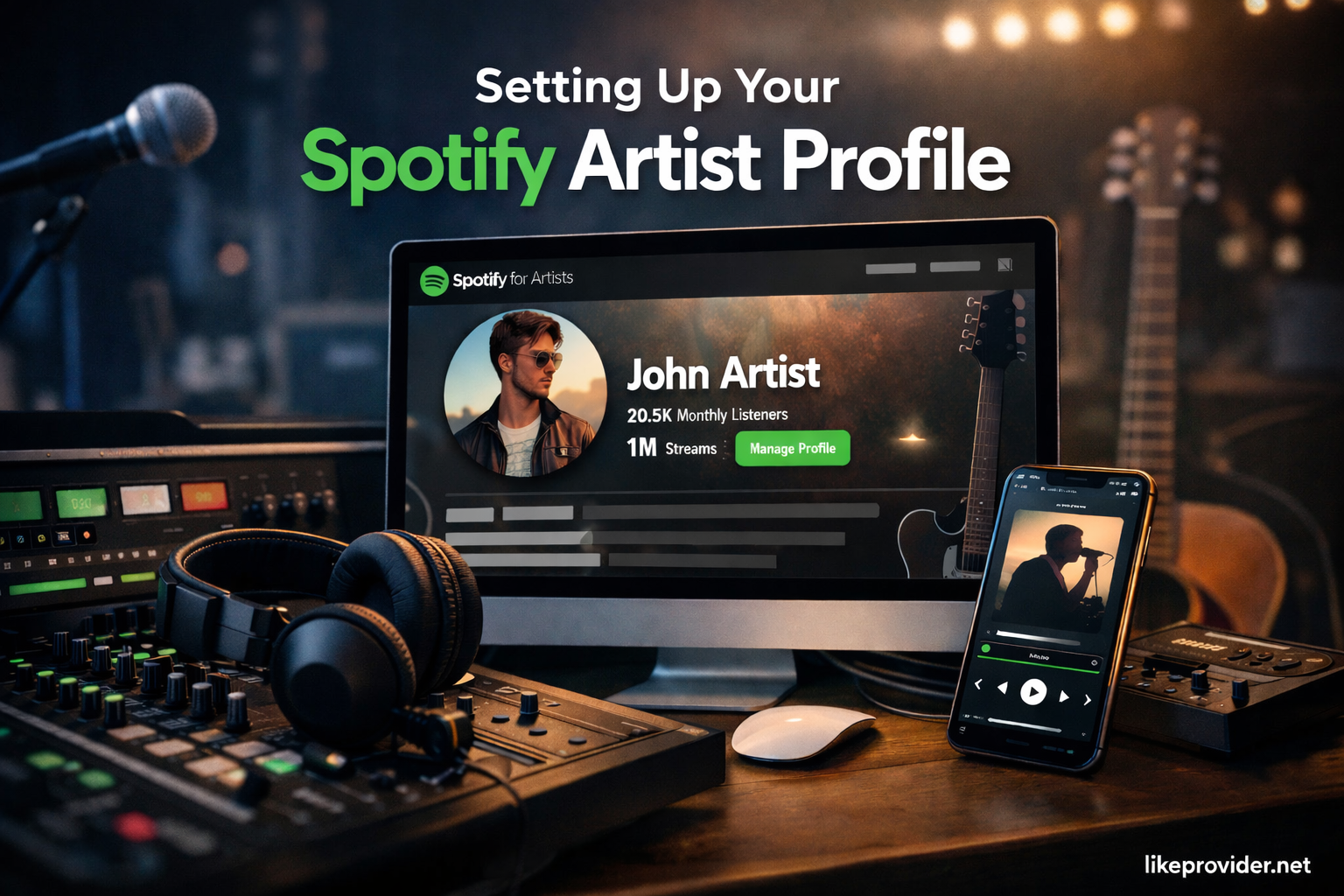
Setting Up Your Spotify Artist Profile
Before releasing music, you should prepare your artist identity. This includes creating a professional bio, selecting high-quality images, and organizing your branding. Once your music is distributed, you can claim your profile through Spotify for Artists. This step is crucial for anyone learning how to post music on Spotify as an artist, as it allows you to customize your profile and access performance data.
Artists who wonder how to post music on Spotify without a label will be glad to know that independent creators can manage everything themselves using a distributor and Spotify for Artists.
Preparing Your Music Files Correctly
Audio quality plays a major role in how your music is received. When focusing on how to post music on Spotify, your files should meet professional standards. Most distributors require WAV files with high resolution to ensure optimal sound quality across all devices.
Taking time to prepare clean, properly mastered tracks reduces the risk of upload issues and ensures your music sounds the way you intended once it goes live.
Choosing the Right Digital Distributor
Selecting a distributor is one of the most important steps in learning how to post music on Spotify. Each service offers different pricing models, payout structures, and additional features. Some charge a yearly fee, while others take a percentage of your royalties.
Carefully reviewing terms, supported platforms, and payment schedules will help you avoid surprises and ensure your music reaches Spotify smoothly.
Uploading and Releasing Your Music
After choosing a distributor, the upload process becomes straightforward. You will submit your audio files, artwork, and release details, then select a release date. This is the final technical step in how to post music on Spotify.
Approval times vary, so it’s best to upload your music well in advance. Once approved, your track will appear on Spotify on the scheduled release date.
Can You Upload Music Directly to Spotify?
Many beginners wonder whether it’s possible to upload tracks directly to Spotify. The short answer is no. Spotify requires artists to use a digital distributor to handle licensing, metadata, and delivery. Understanding this detail is essential when learning how to post music on Spotify, as choosing the right distributor directly affects how smoothly your release goes live.
How Long Does It Take for Music to Appear on Spotify?
After uploading your track through a distributor, approval times can vary. In most cases, music appears on Spotify within a few days, but it’s recommended to upload at least one to two weeks in advance. Planning ahead is an important part of how to post music on Spotify, especially if you are aiming for a specific release date.
Common Reasons Spotify Releases Get Rejected
Sometimes music submissions are delayed or rejected due to technical issues. Common reasons include incorrect metadata, low-quality audio files, missing artwork requirements, or copyright conflicts. Knowing these risks helps you avoid mistakes and ensures a smoother experience when learning how to post music on Spotify.
How to Post Music on Spotify from GarageBand
If you produce music using GarageBand, the process is simple. Export your track in a high-quality format such as WAV, then upload it through your chosen distributor. This method works the same as any other studio software and is a practical solution for creators learning how to post music on Spotify from GarageBand.

Promoting Your Music on Spotify
Uploading music is only part of the journey. Effective promotion is essential to maximize visibility. Sharing your Spotify links on social media, encouraging playlist adds, and engaging with listeners can significantly boost reach.
Understanding how to post music on Spotify also means knowing how to connect with your audience consistently and authentically.
If you’re looking to promote your release after learning how to post music on Spotify, you can also explore best SMM panel to increase visibility and reach a wider audience during your launch phase.
Tracking Performance and Growth
Spotify for Artists provides valuable insights into streams, listeners, and audience demographics. Monitoring these metrics helps you understand what works and where you can improve.
For artists serious about growth, analyzing data is a key part of mastering how to post music on Spotify and building a sustainable music career.
Frequently Asked Questions
Is it free to post music on Spotify?
Yes, some distributors allow artists to post music with no upfront cost, though they may take a percentage of royalties.
Do you need a record label to upload music?
No, independent artists can release music without a label by using a digital distributor.
Can you edit a release after uploading?
Yes, most distributors allow limited edits before and after release, depending on the platform.
Conclusion
Publishing music on Spotify is a powerful way to reach listeners worldwide. While the process may seem overwhelming at first, learning how to post music on Spotify step by step makes it manageable and rewarding. Stay consistent, focus on quality, and continue refining your approach as you grow. Sharing your music should be exciting, not stressful, so enjoy the journey and keep creating.
If you want the most accurate and up-to-date information straight from Spotify, you can always refer to Spotify for Artists official documentation, which explains the music distribution and release process in detail.