
How to Increase YouTube Shorts Views (Proven Methods That Work)
YouTube Shorts can reach massive audiences in a very short time, but many creators struggle to get consistent views. If you’re wondering how to increase YouTube Shorts views, the key is understanding how Shorts are distributed and what signals YouTube’s algorithm prioritizes. With the right optimizations, even a small channel can gain thousands of views.
Unlike long-form videos, Shorts rely heavily on early engagement, watch time, and viewer behavior. Below are practical, proven methods you can apply immediately to improve your Shorts performance.
1. Optimize the First 2 Seconds
The opening moments of a Short determine whether viewers keep watching or swipe away. A weak start will instantly kill reach.
-
Start with motion or a bold visual
-
Avoid slow intros or logos
-
Show the most interesting moment first
Higher retention in the first seconds directly helps increase YouTube Shorts views.
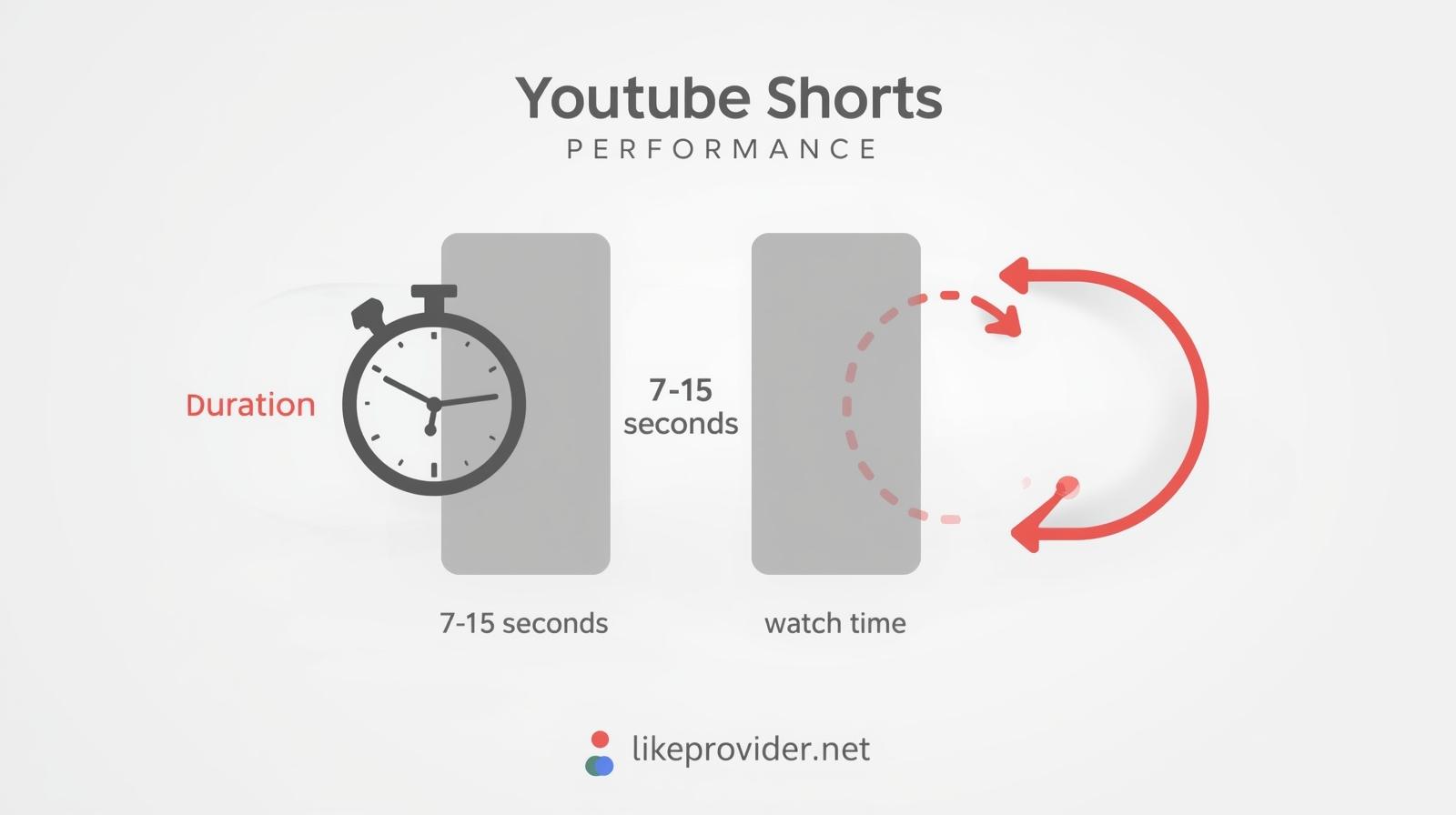
2. Keep Shorts Between 7–15 Seconds
Shorter videos often perform better because they are more likely to be watched repeatedly.
-
Aim for fast pacing
-
Cut all unnecessary pauses
-
Make the video loop naturally
A seamless loop increases total watch time, which is a strong ranking signal.
3. Use Clear, Relevant Hashtags
Hashtags still help YouTube understand your content category.
Use:
-
#shorts -
One main topic hashtag
-
One niche-specific hashtag
Avoid hashtag stuffing, as it can reduce content clarity.
4. Post Consistently (But Don’t Spam)
Uploading consistently trains the algorithm to test your content more often.
Best practice:
-
1–3 Shorts per day
-
Post at similar times
-
Track which time slots perform best
Consistency is one of the simplest ways to increase YouTube Shorts views over time.
5. Focus on One Topic Per Channel
Channels that jump between unrelated topics often struggle with Shorts visibility.
-
Pick one main niche
-
Stick to a clear theme
-
Let YouTube identify your target audience
Niche clarity improves distribution accuracy.
6. Encourage Interaction Subtly
Engagement signals matter, but forcing it can hurt performance.
Instead of saying “like and subscribe,” try:
-
Asking a simple question
-
Adding a curiosity-driven caption
-
Using on-screen text that invites reactions
Comments and likes help Shorts stay in rotation longer.
If you want to boost early credibility and engagement, you can also explore free YouTube subscribers to help your Shorts gain initial traction.
7. Avoid Re-Uploading Watermarked Videos
Reposting content with TikTok or Instagram watermarks can limit reach.
Always:
-
Upload clean files
-
Export directly from your editor
-
Avoid visible platform logos
Original content performs significantly better in Shorts feeds.
8. Analyze What Actually Works
Check YouTube Studio regularly and focus on:
-
Average view duration
-
Swipe-away rate
-
Likes per view
Double down on formats that already perform well instead of constantly changing styles.
For a deeper understanding of how YouTube evaluates Shorts performance, you can also review YouTube’s official Shorts guidelines in the Help Center.
How the YouTube Shorts Algorithm Actually Works
The YouTube Shorts algorithm focuses on how viewers interact with your content in the first hours after publishing. Shorts that achieve strong retention, replays, and fast engagement are more likely to be pushed to a wider audience.
The algorithm also looks at consistency and topic clarity. When you regularly post Shorts around the same subject, YouTube can better understand who your content is for and test it with the right viewers. This makes it easier for your Shorts to gain momentum and increase overall reach.
Shorts performance can change quickly based on platform updates and viewer behavior trends. As YouTube continues refining its Shorts ecosystem, staying consistent and adapting formats that currently perform well is essential for sustained growth.
Why Are My YouTube Shorts Not Getting Views?
YouTube Shorts may not get views when early engagement signals are too weak. If you’re trying to understand how to increase YouTube Shorts views, it’s important to know that when viewers swipe away quickly or don’t interact, the algorithm often stops testing the video further. This directly affects your ability to increase YouTube Shorts views over time.
Inconsistent posting and unclear content topics can also make it harder for YouTube to match Shorts with the right audience. Without clear signals, efforts to increase YouTube Shorts views usually stall.
In many cases, Shorts are first shown to a small group of viewers. If performance improves over time, older Shorts can still be re-pushed and start gaining views later, which helps creators increase YouTube Shorts views even after the initial test phase.
Common Mistakes That Limit Shorts Views
Many creators unknowingly block growth by:
-
Posting random content styles
-
Using low-resolution videos
-
Ignoring retention data
-
Overloading hashtags
Fixing these issues alone can dramatically improve reach.
FAQ: YouTube Shorts Views
How long does it take for YouTube Shorts to get views?
Some Shorts get views within minutes, while others may take hours or days to be tested by the algorithm.
Do hashtags really matter for Shorts?
Yes, but only when used correctly. Relevance is more important than quantity.
Can old Shorts start getting views later?
Yes. Shorts can be re-pushed if engagement signals improve over time.
Final Thoughts
Learning how to increase YouTube Shorts views is about consistency, retention, and understanding viewer behavior. Focus on strong openings, short durations, and clear topics. Over time, these strategies compound and lead to steady growth.
If your Shorts struggle at first, don’t panic—small improvements can unlock big results. For creators looking to accelerate early growth, exploring a fastest SMM panel can also help support visibility while testing what works.