
How to Disable YouTube Shorts: Easy Ways to Turn Off Shorts
YouTube Shorts has quickly become a popular way to consume short-form video content. While many users enjoy this format, others prefer a more traditional YouTube experience focused on longer videos. If you are searching for how to disable YouTube Shorts, you are not alone. Many users want a cleaner feed without constant short video recommendations. Although YouTube does not offer a single switch to completely turn off Shorts, there are several effective ways to reduce or limit their appearance.
Understanding YouTube Shorts and How They Work
YouTube Shorts are designed to promote quick, vertical videos that are easy to consume. They are deeply integrated into YouTube’s recommendation system, especially on mobile devices. Because Shorts are algorithm-driven, they often appear based on your viewing behavior. Understanding this system is essential before attempting to disable or reduce Shorts, as most solutions focus on influencing recommendations rather than fully removing the feature.
How to Disable YouTube Shorts on Mobile Devices
On mobile devices, YouTube Shorts are built directly into the app experience. While there is no official option to disable Shorts completely, you can reduce their visibility. Avoid interacting with Shorts by not liking, commenting, or watching them fully. Using the “Not interested” option on Shorts videos also helps train the algorithm to show fewer short-form videos over time.
How to Disable YouTube Shorts Step by Step
To reduce YouTube Shorts effectively, you need to guide the algorithm rather than rely on a single on/off setting. Start by completely avoiding interaction with Shorts videos—do not like, comment, or watch them to the end. When a Shorts video appears, open the options menu and choose “Not interested” to signal your preference. Over time, consistently engaging with long-form videos instead will help YouTube understand that you want fewer Shorts in your feed.

How to Disable YouTube Shorts on Desktop
On desktop, Shorts usually appear as a separate shelf on the homepage. You can dismiss individual Shorts sections when available, and focusing on longer videos helps signal your preferences. Over time, YouTube may reduce how frequently Shorts appear if your behavior consistently favors traditional content.
Using YouTube Watch History to Reduce Shorts
Your watch history plays a major role in shaping YouTube recommendations. Clearing or pausing watch history can help reset the algorithm’s understanding of your interests. If Shorts dominate your feed, reviewing and adjusting watch history may help shift recommendations back toward longer videos.
To help videos gain early traction and test audience response, using free YouTube views can support initial visibility.
Restricting YouTube Shorts with Parental Controls
YouTube’s Restricted Mode and parental control settings can help limit certain types of content, including some Shorts. While this does not fully disable Shorts, it can reduce exposure, especially for younger users. These controls are useful for creating a more focused and controlled viewing environment.
Does Disabling YouTube Shorts Affect Recommendations?
Reducing interaction with YouTube Shorts directly affects your recommendations over time. When you consistently ignore Shorts and engage more with long-form videos, YouTube adjusts its suggestions accordingly. While Shorts may not disappear completely, their frequency usually decreases as the algorithm adapts to your viewing habits.
Best Practices to Avoid YouTube Shorts Long-Term
Avoiding Shorts in the long term requires consistent behavior. Watching videos through subscriptions, playlists, and search results helps reinforce your preference for longer content. Subscribing to creators who focus on traditional videos and minimizing homepage browsing can significantly reduce Shorts exposure.
Why YouTube Does Not Allow Fully Disabling Shorts
YouTube Shorts are a core part of the platform’s strategy to compete with other short-form video platforms. Because of this, YouTube does not currently provide an official way to completely turn off Shorts. Instead, users are encouraged to personalize their feed through interaction signals and content choices.
Alternatives to YouTube Shorts for Video Content
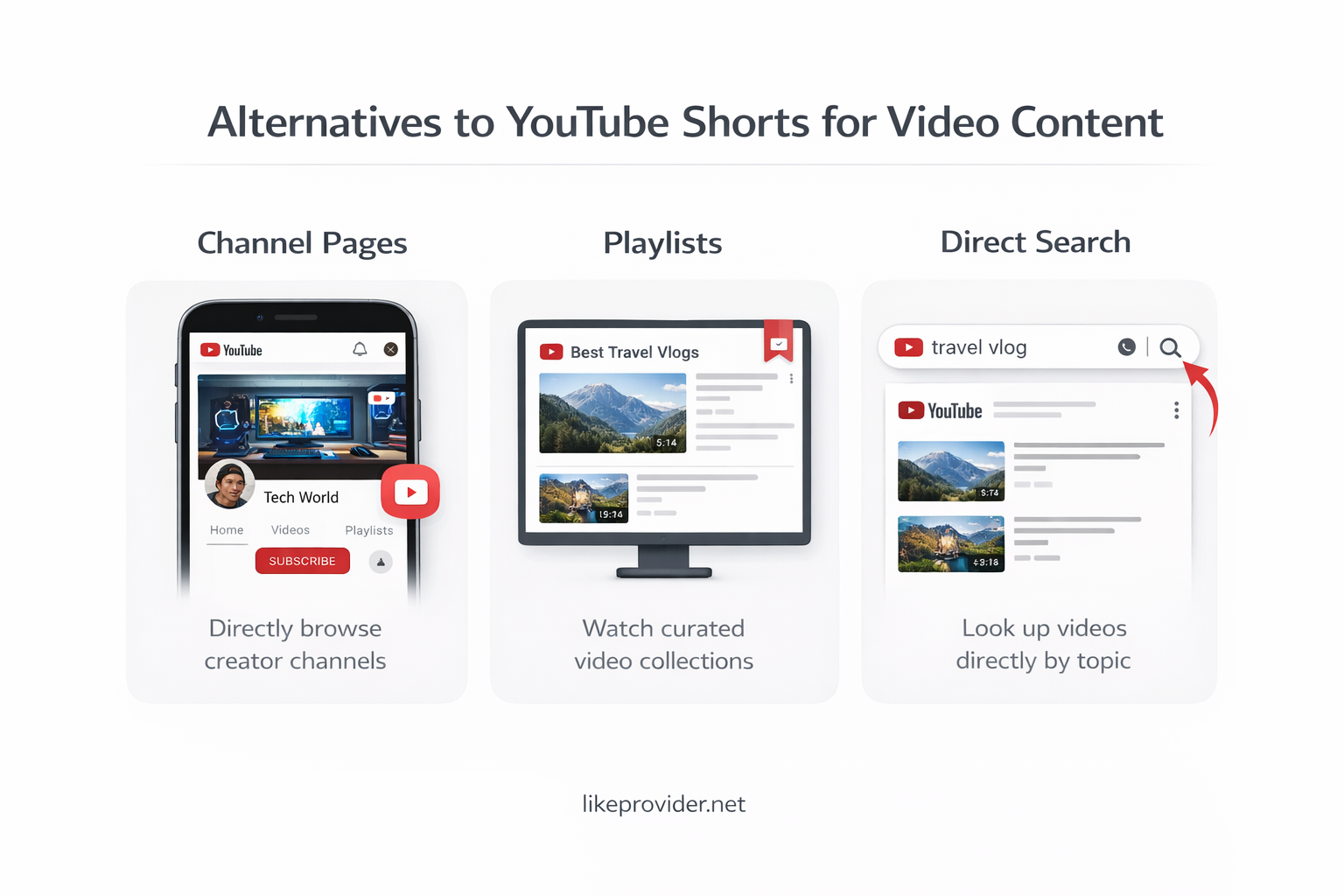
If short-form videos are not your preference, focusing on long-form content is the best alternative. Using channel pages, playlists, and direct searches allows you to enjoy YouTube without relying on the homepage, where Shorts are most visible.
If you prefer saving short videos instead of watching them repeatedly, using a YouTube Shorts downloader can be a practical option.
Frequently Asked Questions About Disabling YouTube Shorts
Can YouTube Shorts be completely disabled?
No, YouTube does not currently offer a way to fully disable Shorts.
Why do Shorts keep appearing on my homepage?
Shorts appear based on your viewing behavior and interaction history.
Does ignoring Shorts really help?
Yes, avoiding interaction with Shorts can reduce how often they appear over time.
Are YouTube Shorts shown on all devices?
Yes, Shorts are available on mobile, desktop, and smart TVs.
Final Thoughts on Disabling YouTube Shorts
While it is not possible to completely turn off YouTube Shorts, you can significantly reduce their presence by adjusting your viewing habits. By focusing on longer videos, managing watch history, and avoiding interaction with Shorts, you can create a more traditional and distraction-free YouTube experience.
For official guidance and up-to-date information directly from YouTube, you can visit the YouTube Help Center.