TikTok Shadowban How to Fix: Real Solutions That Work
If your TikTok videos suddenly stopped getting views, don’t appear on the For You Page, or engagement dropped overnight, you might be dealing with a shadowban. This is a common but frustrating issue for creators—and the good news is that it can be fixed.
In this guide, you’ll learn what a TikTok shadowban is, why it happens, and exactly how to fix it step by step using proven, safe methods.
What Is a TikTok Shadowban?
A TikTok shadowban happens when the platform quietly limits the reach of your content without sending any warning. Your videos may still be visible to followers, but they won’t be pushed to the For You Page, which kills organic growth.
Common signs include:
-
Sudden drop in views and likes
-
No reach from FYP analytics
-
Hashtags showing zero traffic
-
New videos stuck at very low views
Why TikTok Shadowbans Accounts
Understanding the cause is the first step to fixing it. TikTok usually applies shadowbans when it detects behavior that violates or appears to violate its guidelines.
Most Common Reasons
-
Posting content that breaks TikTok community rules
-
Reusing copyrighted audio improperly
-
Spam-like behavior (mass following, liking, or commenting)
-
Using banned or misleading hashtags
-
Posting the same content repeatedly
-
Sudden aggressive growth from suspicious activity
Even innocent mistakes can trigger a shadowban, especially for newer accounts.
TikTok Shadowban: How to Fix It (Step by Step)
Here are practical solutions that actually work.
1. Stop Posting for 48–72 Hours
Taking a short break signals TikTok’s system to reset your account behavior. Avoid posting, commenting excessively, or interacting with trending spam content during this time.
2. Remove or Edit Problematic Videos
Check your recent posts and delete:
-
Videos with copyrighted music
-
Content that may be flagged as sensitive
-
Low-quality or repetitive uploads
Cleaning your profile improves trust signals.
3. Clear TikTok Cache
Cached data can affect how your account behaves.
How to clear cache:
-
Go to Settings & Privacy
-
Tap “Free up space”
-
Clear cache only (not drafts)
This refreshes your app environment without losing content.
4. Switch to a Personal or Creator Account
Business accounts often have stricter limitations.
Try switching:
-
Settings → Account → Switch account type
-
Choose Personal or Creator
-
Restart the app
Many users report instant improvements after this step.
5. Use Clean, Relevant Hashtags
Avoid banned or overused hashtags. Instead:
-
Use 3–5 niche-specific hashtags
-
Avoid “#fyp #viral #explore” spam combinations
-
Match hashtags exactly to video content
Quality beats quantity every time.
6. Post Original Content Only
TikTok heavily prioritizes originality. Avoid:
-
Reuploads from other platforms
-
Watermarked videos
-
Duplicated clips
Create fresh videos filmed directly in TikTok whenever possible.
7. Rebuild Engagement Naturally
After a shadowban, TikTok watches your behavior closely.
Do this:
-
Engage with real users in your niche
-
Reply to comments genuinely
-
Watch and interact with content fully
-
Avoid bots or automation tools
Natural engagement restores algorithm trust.
How Long Does a TikTok Shadowban Last?
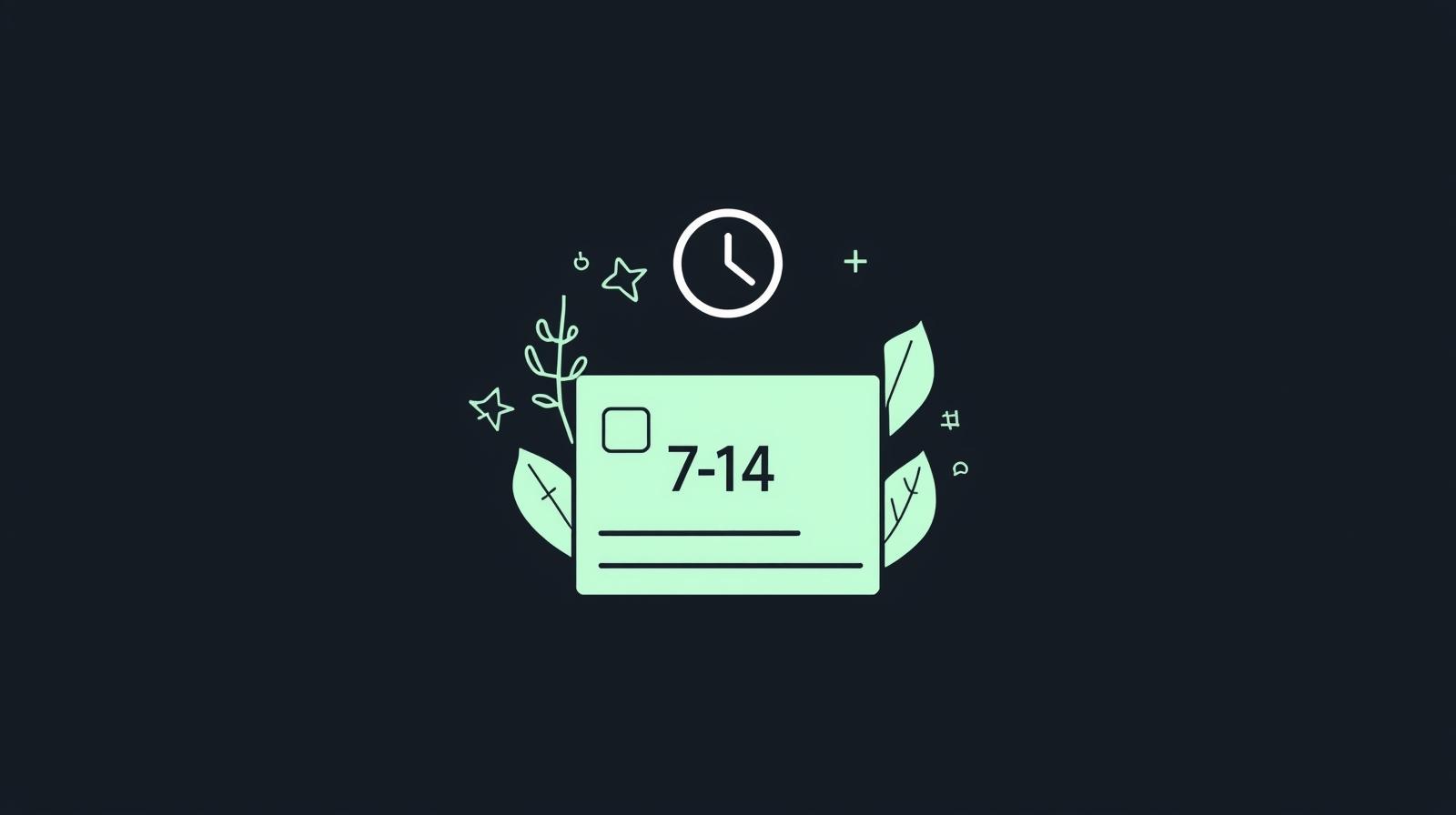
Most shadowbans last 7 to 14 days, depending on severity. Minor issues may resolve within a few days if you follow the fixes above consistently.
Patience is key—forcing growth too quickly can extend the ban.
For a deeper understanding of what TikTok allows and restricts, it’s always a good idea to review TikTok’s official Community Guidelines, which explain how content visibility and enforcement decisions are handled.
How to Prevent Future Shadowbans
Once fixed, protect your account:
-
Follow TikTok Community Guidelines strictly
-
Post consistently, not excessively
-
Avoid spammy growth tactics
-
Use original audio or licensed sounds
-
Focus on value-driven content
TikTok rewards creators who play the long game.
Once your account recovers from a shadowban and your reach stabilizes, you can focus on turning your growth into income. If you’re interested in monetization, check out our guide on how to get paid on TikTok, which explains different earning methods step by step.
Final Thoughts
A shadowban can feel discouraging, but it’s not permanent. By understanding TikTok shadowban how to fix properly and applying the right steps, you can restore your reach and get back on the For You Page naturally.
Consistency, originality, and smart engagement are the real keys to long-term TikTok growth.
If you want to boost visibility while staying safe, combining organic strategies with trusted growth tools can make a big difference.
If you’re looking to rebuild engagement after a shadowban, starting with real interaction is key. You can also explore free TikTok followers to kickstart visibility while focusing on organic, guideline-safe growth strategies.
Frequently Asked Questions (FAQ)
What is a TikTok shadowban?
A TikTok shadowban is when the platform limits your content’s visibility without notifying you. Your videos may still be visible to followers, but they won’t appear on the For You Page.
How do I know if I’m shadowbanned on TikTok?
Common signs include a sudden drop in views, no traffic from the For You Page, hashtags showing zero reach, and new videos getting unusually low engagement.
How long does a TikTok shadowban last?
Most TikTok shadowbans last between 7 to 14 days, depending on the severity of the issue. Minor cases may resolve faster if you follow best practices and avoid risky behavior.
Can a TikTok shadowban be permanent?
No, shadowbans are usually temporary. However, repeated violations of TikTok’s Community Guidelines can lead to longer restrictions or account penalties.
Does deleting videos help fix a shadowban?
Yes, removing videos that violate guidelines, use copyrighted audio, or appear spammy can help speed up recovery and restore account trust.