How to Make Your Instagram Account Private (Step-by-Step Guide)
In today’s digital age, privacy is a growing concern for many social media users. You might be wondering how to make Instagram private to protect your personal content from unwanted viewers. Making your account private allows only approved followers to see your photos and stories, creating a more controlled and secure sharing experience. With a few simple adjustments, you can enjoy Instagram with greater peace of mind.
Understanding the Importance of Privacy on Instagram
Privacy on Instagram plays a key role in protecting your personal content and interactions. Knowing how to make Instagram private account settings work helps you limit who can access your posts, stories, and profile details. This is especially important for users who prefer to share content only with people they trust.
- How to make Instagram private profile limits visibility to approved followers only.
- How to make Instagram private settings allows better control over comments and story viewers.
- Regularly reviewing followers helps maintain personal boundaries.
Step 1: Accessing Your Instagram Settings
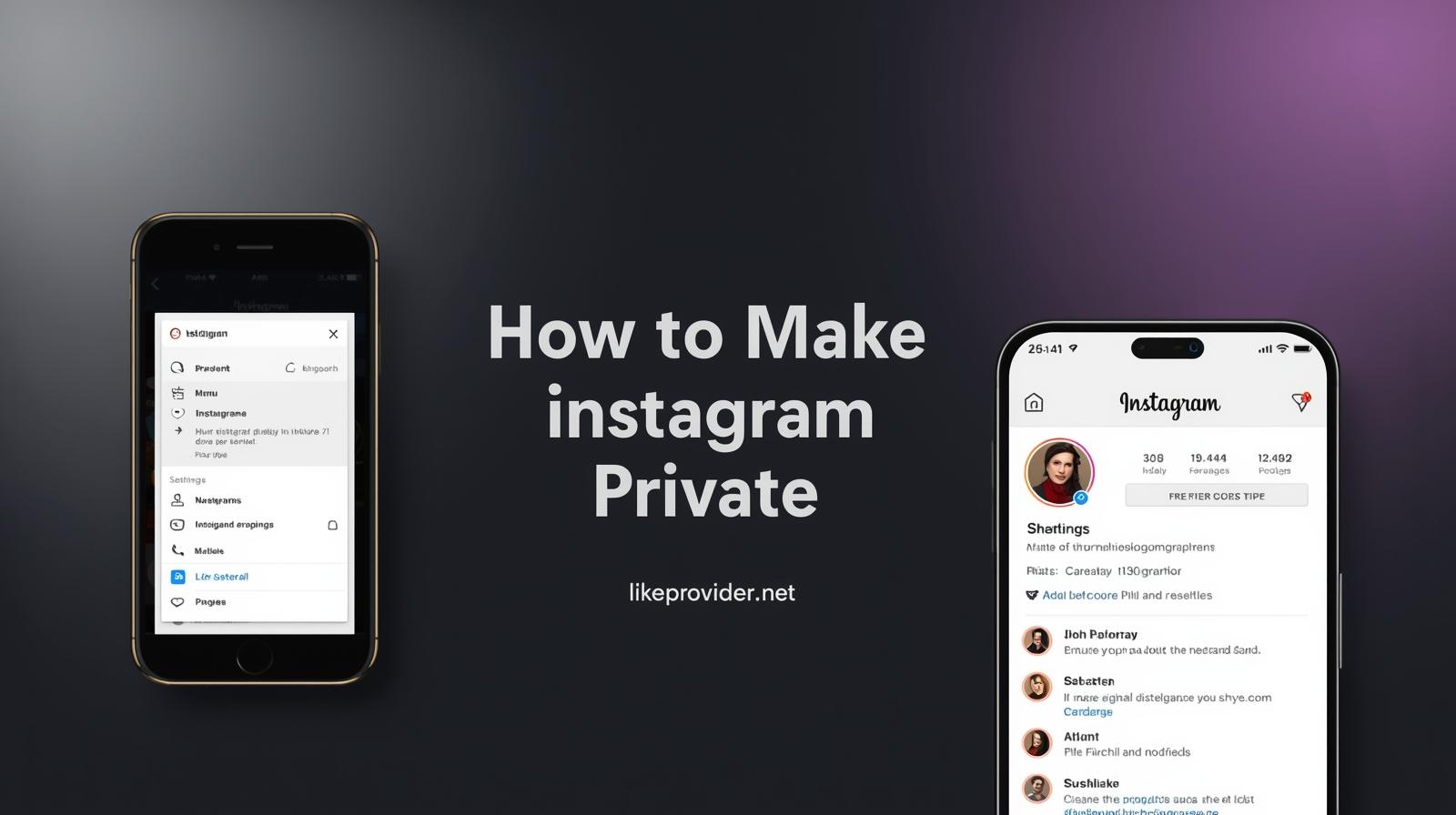
To start the process of how to make Instagram private, open the Instagram app on your mobile device. Tap your profile icon in the bottom right corner, then select the menu icon in the top right. From there, scroll down and tap on “Settings.” This section contains all the controls needed to manage your account privacy.
Step 2: Navigating to Privacy Options
Inside the settings menu, locate and tap on “Privacy.” This section includes options related to account visibility, interactions, and content sharing. If you are learning how to make Instagram private easily, this is the most important area to focus on.
Step 3: Switching to a Private Account
Within the privacy settings, find the option labeled “Private Account.” Toggle this option on to switch your profile from public to private. Once enabled, only users you approve can see your posts, stories, and follower list. This change applies immediately.
For more detailed and official guidance, you can also check Instagram’s privacy settings documentation directly from the Instagram Help Center.
Public vs Private Instagram Account: What’s the Difference?
A public Instagram account allows anyone to view your posts, stories, and profile without approval. This can be useful for brands, creators, or businesses aiming for maximum reach. However, it also means less control over who interacts with your content.
A private Instagram account, on the other hand, limits visibility to approved followers only. This option is ideal for personal users who value privacy and want to control who sees their photos, stories, and activity. Choosing between public and private depends on whether your priority is reach or personal privacy.
Things to Know Before Making Your Instagram Account Private
Before switching your Instagram account to private, there are a few important points to keep in mind. Making your account private does not remove existing followers; they will continue to see your content unless you remove them manually. Your previous posts will also remain visible to current followers.
Additionally, private accounts may experience lower discoverability through hashtags and explore pages. While this does not affect your existing audience, it can reduce exposure to new users. Understanding these details helps you make an informed decision without unexpected changes.
Step 4: Managing Follow Requests
After making your account private, new users will need to send a follow request to see your content. You can approve or decline each request individually. Reviewing these requests carefully helps ensure that only trusted users gain access to your profile.
Step 5: Reviewing Your Current Followers
Even after switching to a private account, it’s a good idea to review your existing followers. Removing unfamiliar or inactive accounts can further improve your privacy and create a more comfortable social media environment.
Tips for Maintaining Your Privacy on Instagram
Maintaining privacy on Instagram goes beyond switching to a private account. Regularly checking your settings and being mindful of what you share can make a significant difference.
- Review privacy settings after app updates.
- Use strong and unique passwords.
- Avoid sharing sensitive personal information publicly.
If you want to increase visibility while keeping your account private, you can also explore free Instagram views to boost engagement naturally without compromising your privacy.
Conclusion
Learning how to make Instagram private gives you greater control over your digital presence. By adjusting your privacy settings and managing your followers carefully, you can create a safer and more comfortable experience on the platform. Privacy is a personal choice, and taking these simple steps helps ensure your content stays within the audience you trust.
For users looking to grow their social media presence cost-effectively, choosing the cheapest smm panel can make a significant difference in engagement and visibility.
Frequently Asked Questions
How do I make my Instagram account private?
Go to your profile, open the menu, tap “Settings,” then “Privacy,” and enable the “Private Account” option.
Will people be notified if I make my account private?
No, Instagram does not notify users when you switch your account to private.
Can I make my Instagram account public again?
Yes, you can return to a public account at any time by turning off the “Private Account” option.
What happens to existing followers?
Your current followers will still be able to see your content after you make your account private.
Can I control who follows me?
Yes, with a private account, you must approve all new follow requests.
Does making Instagram private affect reach?
Yes, switching to a private account can limit your reach to new users. Your posts will mainly be visible to approved followers, and discoverability through hashtags may be reduced.
Can business accounts be private on Instagram?
Business accounts on Instagram must remain public to access analytics and advertising features. If privacy is your priority, switching to a personal account may be a better option.