Updated for 2026 · Reviewed by LikeProvider Social Media Team
Quick Answer: The LinkedIn post character limit is 3,000 characters per post. The linkedin post length limit applies to feed posts; LinkedIn articles can be much longer. Links and all text count toward the limit. For best engagement, many creators keep the first line short (before “see more”). For more LinkedIn tips, see our how to use LinkedIn and LinkedIn headline generator.
LinkedIn Post Character Limit – How Many Characters Can You Use? (2026)
LinkedIn post character limit, what counts toward it, and best length tips for engagement
Learn the LinkedIn post character limit, how many characters you can use in a post, and best length tips for engagement. This 2026 guide covers the linkedin post length limit, linkedin character count, and linkedin post limit. Pair with our how to use LinkedIn, LinkedIn headline generator, and best time to post on LinkedIn.
How Many Characters Can You Use in a LinkedIn Post?
3,000 characters. The LinkedIn post character limit is 3,000 characters per feed post.
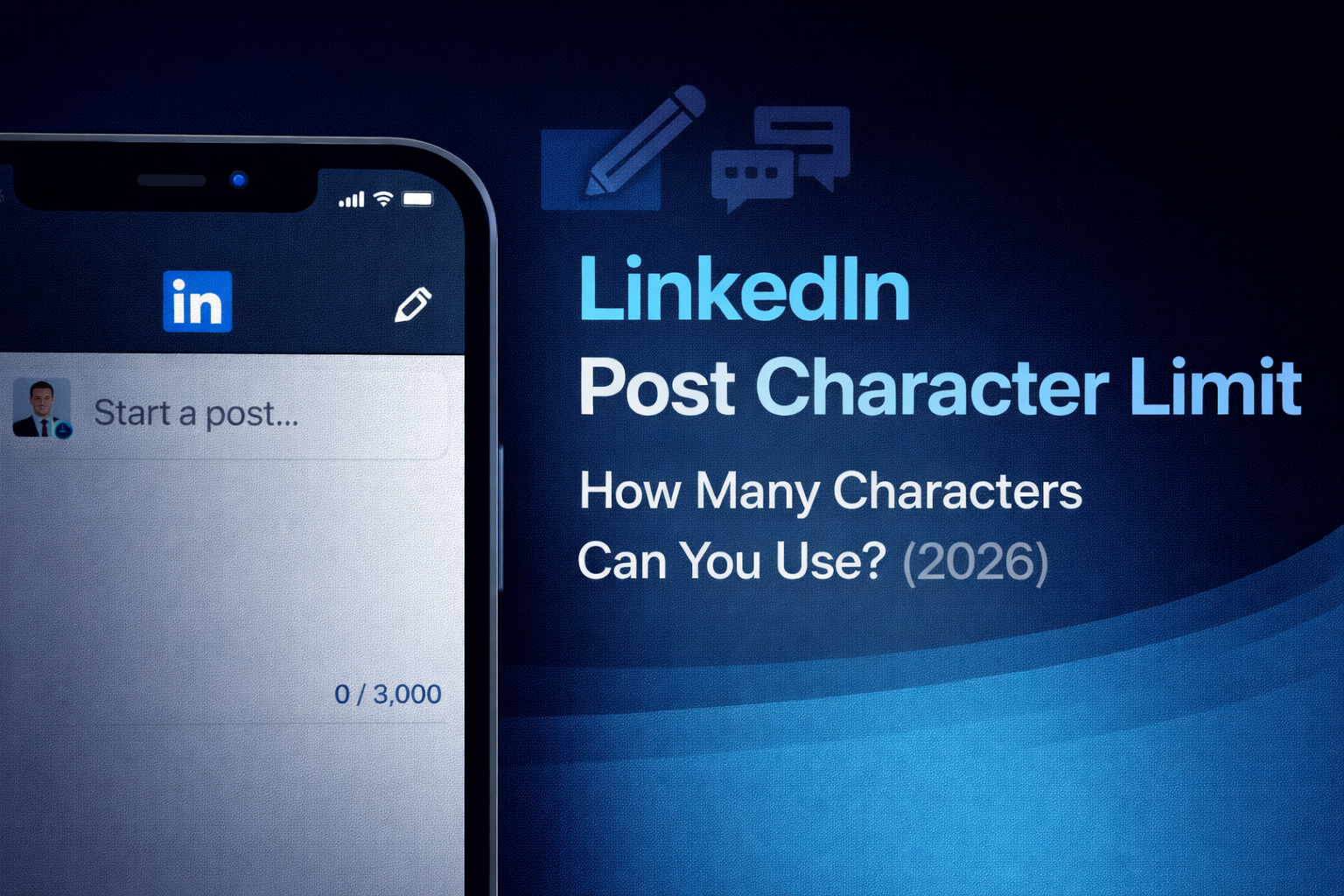
You can use up to 3,000 characters in a single LinkedIn feed post. This linkedin post length limit applies to the text you write in the main feed; LinkedIn articles (long-form posts) have a much higher limit (e.g. 125,000+ characters). The app shows a linkedin character count as you type so you can stay within the limit. For more on LinkedIn, see our how to use LinkedIn and Instagram caption generator (for cross-posting).
What Counts Toward the LinkedIn Post Character Limit?
What counts toward the limit? Everything in your post counts: letters, numbers, spaces, punctuation, links, and hashtags. So your linkedin character count is the total of all of these. Unlike some platforms, LinkedIn does not shorten URLs in the count—the full URL length counts. Line breaks and spaces also count. For captions on other platforms, see our Instagram caption generator and Instagram Reels caption generator.
Best Length for LinkedIn Post Engagement (2026)
Best length tips for engagement: Although you can use up to 3,000 characters, many users only see the first few lines before “see more.” So a strong hook in the first 150–300 characters often performs better. Shorter posts (around 150–300 characters) can get high engagement too; longer posts work when the full read is valuable. Use the linkedin post character limit as a ceiling—not a target. For timing, see our best time to post on LinkedIn and Linktree alternative (for link in bio).
Quick Reference: LinkedIn Post Character Limit (2026)
Use this table for linkedin post character limit and linkedin post length limit at a glance:
| Topic | Details |
|---|---|
| Characters per feed post | 3,000 |
| LinkedIn articles | Much longer (125,000+) |
| Do links count? | Yes – full URL length |
| Headline limit | 220 characters (separate) |
| Best for engagement | Strong hook in first 150–300 chars |
This is the complete how many characters on linkedin and linkedin post limit for 2026. For more tools, see our how to use LinkedIn, LinkedIn headline generator, and Linktree alternative.
FAQ: LinkedIn Post Character Limit
How many characters can you use in a LinkedIn post?
3,000 characters. The LinkedIn post character limit is 3,000 characters for standard feed posts. LinkedIn shows a character count as you type.
What is the LinkedIn post length limit?
3,000 characters for feed posts. LinkedIn articles can be much longer (125,000+ characters). The post limit applies to what you write in the main feed.
Do links count toward the LinkedIn post character limit?
Yes. Links and all text count toward the 3,000-character limit. URLs are not shortened in the count like on some other platforms.
What is the best length for a LinkedIn post?
Shorter posts often get more engagement (around 150–300 characters for the hook). You can use up to 3,000 characters; many users read only the first few lines before “see more.”
Is there a LinkedIn headline character limit?
Yes. The LinkedIn headline limit is 220 characters. The post limit (3,000) is separate and applies to feed posts only.