Quick Answer: The best Pinterest pin size for 2026 is 1000×1500 pixels with a 2:3 aspect ratio. This is the size recommended by Pinterest for standard Pins and helps prevent cropping while increasing pin visibility in feeds. Use JPG or PNG; max file size 20MB.
Pinterest Pin Size Guide (2026) – Best Dimensions, Ratios & Image Quality
Pinterest pin size: 1000×1500 pixels, 2:3 ratio
Discover the exact Pinterest pin sizes for 2026: dimensions, aspect ratios, and image quality settings to avoid cropping and increase pin visibility. This guide covers the Pinterest pin dimensions recommended by Pinterest (2:3), square pins, and long pins. Pair with our Pinterest description generator, Instagram post size, and Instagram Story dimensions.
Quick Answer: What Are Pinterest Pin Sizes?
Pinterest pin sizes for 2026 are 1000×1500 pixels (2:3 standard, recommended by Pinterest), 1000×1000 (1:1 square), and up to 1000×2100 (1:2.1 long pin). This is the size recommended by Pinterest for Pins—see the Pinterest Business Help (product specs) for official dimensions. Use 1000px minimum width; 2:3 avoids cropping and increases pin visibility in feeds.
What You'll Find on This Page
If you're looking for Pinterest pin size, Pinterest pin dimensions, or Pinterest pin aspect ratio for 2026, you're in the right place. On this page you'll find:
- Exact Pinterest pin dimensions – 1000×1500 (2:3), 1000×1000 (1:1), 1000×2100 (long) and why 2:3 wins for pin visibility.
- Pinterest pin aspect ratio – 2:3 recommended by Pinterest; 1:1 and 1:2.1 supported. How to avoid cropping.
- Image quality and file size – Best Pinterest pin resolution and export settings for pin visibility.
- Why 2:3 increases pin visibility – Mobile feed display and algorithm preference.
- Quick reference table – All Pinterest pin sizes in one place.
- FAQ – Quick answers on Pinterest pin dimensions, ratio, and image quality.
Use the table of contents to jump to the section you need. For Pin copy, use our Pinterest description generator and Instagram caption generator.
Exact Pinterest Pin Dimensions (2026)
The exact Pinterest pin dimensions for 2026 are 1000×1500 pixels (2:3 standard), 1000×1000 (1:1 square), and up to 1000×2100 (1:2.1 long pin). This is the size recommended by Pinterest for standard Pins—Pinterest states that using 2:3 helps avoid pins being cut off in feeds. Minimum width is 1000px; use 1000×1500 for best pin visibility and image quality.
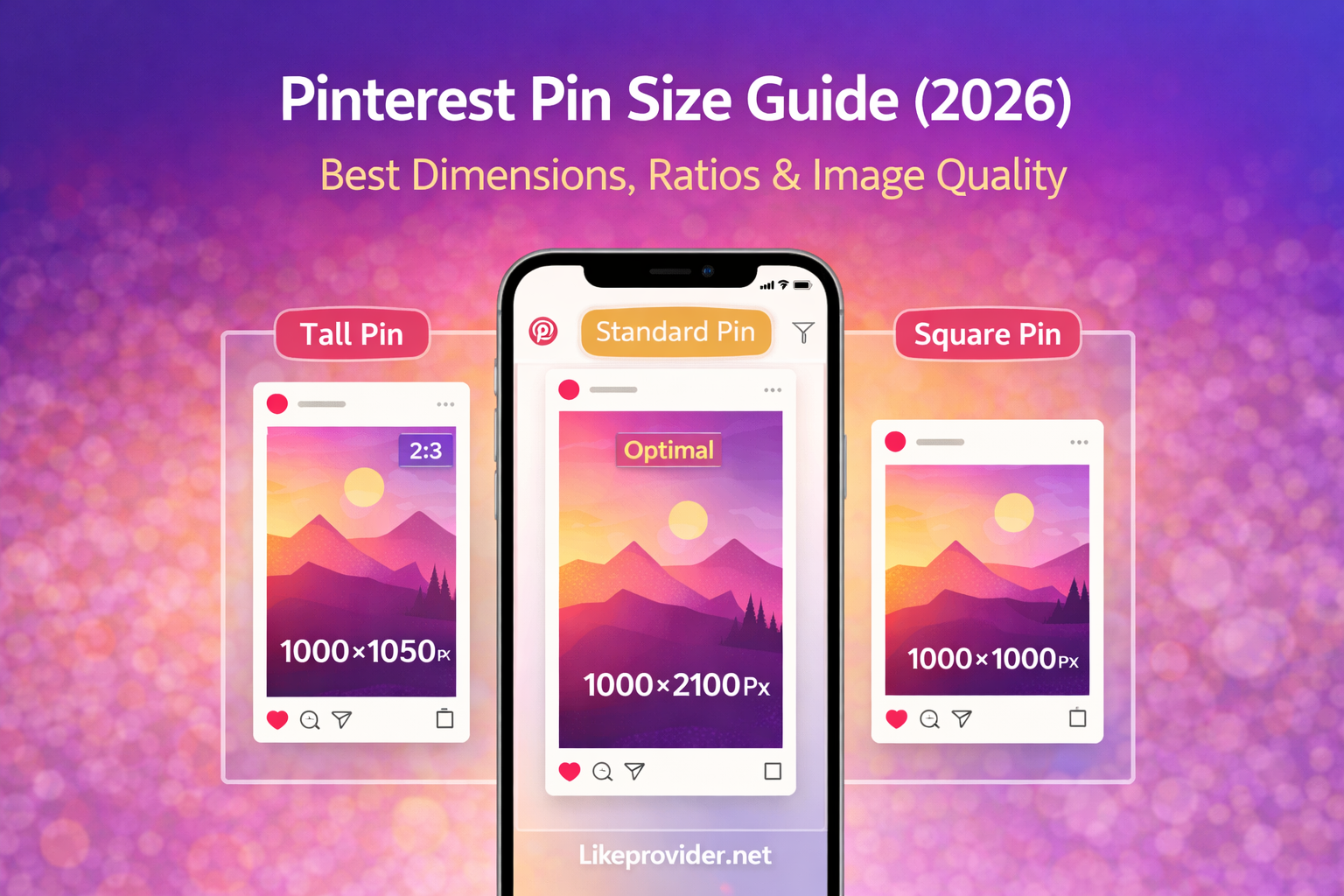
Pinterest pin pixel size matters: 1000px on the shortest side keeps quality through Pinterest's compression. Smaller widths may look soft; Pinterest recommends 1000×1500 for optimal display. For more visual guides, see our Instagram post size and Instagram Story dimensions.
Pinterest Pin Aspect Ratios: 2:3, 1:1, and Long Pins
Pinterest pin aspect ratio options are 2:3 (recommended), 1:1 (square), and up to 1:2.1 (long pin). 2:3 (1000×1500) is recommended by Pinterest for Pins—Pins with aspect ratios longer than 2:3 may be cut off in feeds. Square 1:1 is supported but takes less mobile screen space; long pins up to 1:2.1 work for tutorials but should not exceed that ratio. For vertical content on other platforms, see our Instagram Story dimensions (9:16).
Recommended by Pinterest for Pin Visibility
Pinterest recommends 2:3 (1000×1500) for Pins. According to Pinterest Business Help, using a 2:3 aspect ratio helps prevent Pins from being cut off in people's feeds. Vertical pins in 2:3 take more screen space on mobile, where most users browse, which supports better pin visibility and engagement. Image type: JPG or PNG; max file size 20MB. Use 2:3 for maximum pin visibility and to avoid cropping.
Pin Visibility & Image Quality
Pinterest pin visibility improves when you use the Pinterest pin dimensions and image quality Pinterest recommends. 1000×1500 (2:3) displays fully in feeds, maintains quality after compression, and aligns with how Pinterest surfaces Pins. Keep file size under 5–10MB for fast loading; max 20MB. Use high-resolution source images and export at 1000×1500 for the best Pinterest pin resolution and pin visibility. Pair with strong Pin copy using our Pinterest description generator.
How to Avoid Pinterest Pin Cropping
Pinterest pin cropping happens when your aspect ratio exceeds what Pinterest supports. Stick to 2:3 (1000×1500), 1:1 (1000×1000), or long pins up to 1:2.1 (1000×2100). Pins longer than 1:2.1 can be cut off in feeds. Set your canvas or export to Pinterest pin size 1000×1500 before designing so nothing important is cropped. Use the correct Pinterest pin dimensions from the start for full pin visibility. For other platforms, see our Instagram post size guide.
Pinterest Pin Export Settings
Use these Pinterest pin export settings to avoid cropping and maximize pin visibility:
- Standard Pin (recommended): 1000×1500 px, 2:3. JPG or PNG.
- Square Pin: 1000×1000 px, 1:1. JPG or PNG.
- Long Pin: Up to 1000×2100 px, 1:2.1. JPG or PNG.
- Format: JPG or PNG. Pinterest recommends these file types.
- Max file size: 20 MB. For best performance use under 5–10 MB.
- Minimum width: 1000 px on the shortest side.
These settings give you the best Pinterest pin size and image quality for 2026. After export, write a strong description with our Pinterest description generator and Instagram caption generator for cross-posting.
Quick Reference: Pinterest Pin Size Table
Use this table for Pinterest pin dimensions 2026 at a glance:
| Format | Dimensions (px) | Aspect Ratio |
|---|---|---|
| Standard (recommended) | 1000×1500 | 2:3 |
| Square | 1000×1000 | 1:1 |
| Long pin | 1000×2100 | 1:2.1 |
| Min width | 1000 | — |
| Image format | JPG or PNG | — |
| Max file size | 20 MB | — |
This is the best Pinterest pin size for 2026. For Pin descriptions and captions, use our Pinterest description generator and Instagram caption generator.
FAQ: Pinterest Pin Size
What is the best Pinterest pin size for 2026?
The best Pinterest pin size for 2026 is 1000×1500 pixels (2:3 aspect ratio). This is the size recommended by Pinterest for standard Pins. It avoids cropping and increases pin visibility in feeds. Square 1000×1000 and long pins 1000×2100 are also supported but 2:3 performs best.
What are Pinterest pin dimensions in pixels?
Pinterest pin dimensions: standard 1000×1500 (2:3), square 1000×1000 (1:1), long pin 1000×2100 (1:2.1). Pinterest recommends 1000px minimum width. Use 1000×1500 for best pin visibility and image quality.
What aspect ratio does Pinterest recommend for pins?
Pinterest recommends 2:3 aspect ratio (1000×1500 pixels) for Pins. Pins with aspect ratios longer than 2:3 may be cut off in feeds. See Pinterest Business Help for official product specs.
Why is my Pinterest pin cropped?
Pinterest crops pins that exceed recommended aspect ratios. Use 2:3 (1000×1500), 1:1 (1000×1000), or up to 1:2.1 (1000×2100) to avoid cropping. Pins longer than 1:2.1 can be cut off in feeds.
What is the maximum file size for a Pinterest pin?
Pinterest supports pin images up to 20 MB. For best performance use JPG or PNG under 5–10 MB. Minimum width 1000px. Image quality settings should keep file size reasonable for fast loading and pin visibility.
What is the best Pinterest pin size for visibility?
For maximum pin visibility use 1000×1500 pixels (2:3). Vertical pins in 2:3 take more screen space on mobile where most users browse. This size is recommended by Pinterest and performs better than square or overly long pins.
Can I use square or long pins on Pinterest?
Yes. Square 1000×1000 (1:1) and long pins up to 1000×2100 (1:2.1) are supported. Pinterest recommends 2:3 for best results. Pins longer than 1:2.1 may be cropped in feeds.
What image format is best for Pinterest pins?
Use JPG or PNG for Pinterest pins. Pinterest recommends these formats. Keep dimensions 1000×1500 (2:3) for standard Pins and file size under 10 MB for fast loading and good pin visibility.