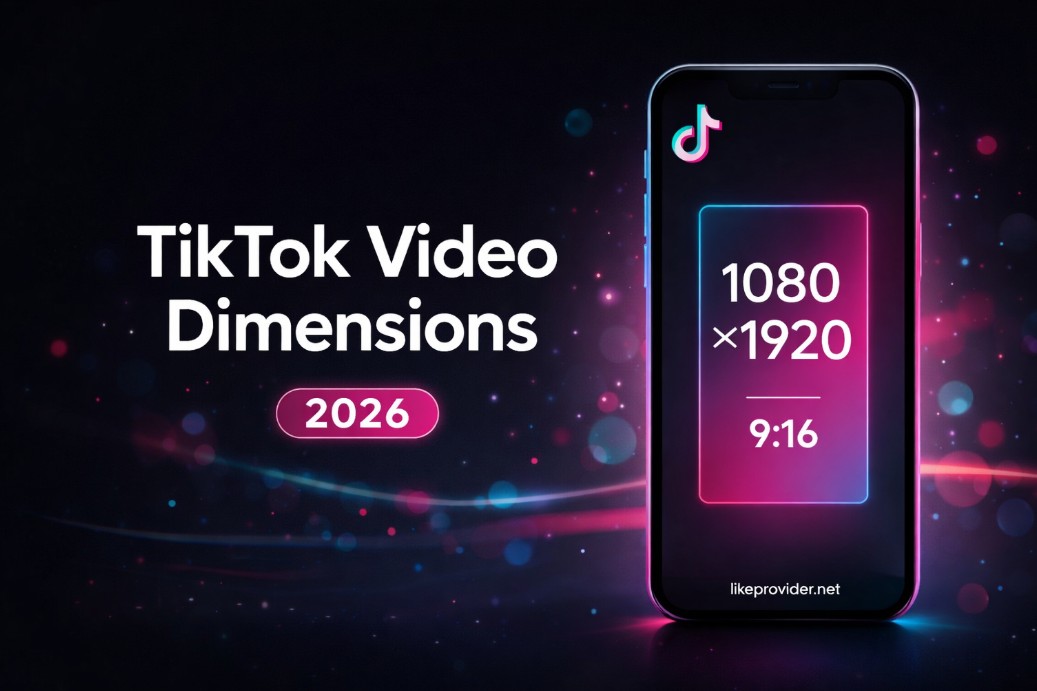
What are TikTok video dimensions? They are the width, height, aspect ratio, and resolution you use when creating or uploading a TikTok video. For 2026, the best TikTok video dimensions are 1080×1920 pixels with a 9:16 aspect ratio—full HD vertical so your video fills the screen without cropping or black bars. Duration is separate: see our TikTok video length guide for time limits.
Why resolution and dimensions matter
Using the right TikTok video dimensions keeps your video sharp and full-screen. Wrong aspect ratio (e.g. 16:9 or 1:1) leads to letterboxing or cropping; low resolution (e.g. below 540×960) can look blurry after TikTok’s compression. 1080×1920 at 9:16 matches how people hold their phones and is the same standard used for Instagram Story dimensions and Reel dimensions—so you can repurpose vertical content across platforms with one export.
Recommended size and aspect ratio
The recommended TikTok video size is 1080×1920 pixels, which is 9:16. That’s full HD vertical: 1080 pixels wide, 1920 pixels tall. TikTok will accept lower resolutions (540×960 or 576×1024 minimum in practice), but quality drops. For creators and brands, 1080×1920 is the sweet spot. Set the timeline or export to 9:16 and 1080×1920 before uploading. For length limits, see TikTok video length.
Export settings: format, codec, and file size
Export as MP4 (or MOV) with H.264. Frame rate: 23–60 fps; 30 fps is common. Keep the file under TikTok’s limits: about 72 MB on Android and 287 MB on iOS; web uploads can go up to 1 GB. If your file is too large, prefer lowering bitrate or shortening the clip. See our video downloader and video length for more.
Common mistakes with TikTok dimensions
- Uploading horizontal or square — TikTok is built for 9:16. Set 9:16 from the start.
- Resolution too low — Below 540×960 can look blurry. Aim for 1080×1920.
- Wrong aspect ratio in the editor — Match timeline and export to 9:16.
- Ignoring file size — Stay under platform limits and use H.264 for good compression.
TikTok vs Instagram Reels and YouTube Shorts
TikTok, Instagram Reels, and YouTube Shorts all use 9:16 and 1080×1920. One export can work for all three if length fits each platform. Check TikTok, Reels, and Shorts guides for length. See Shorts vs TikTok and Reels vs TikTok.
Sources & references
This guide is reviewed for accuracy. Official: TikTok Help Center, TikTok for Creators. More tools: TikTok bio generator, video length, how to stitch on TikTok.
FAQ: TikTok video dimensions
- What are the best TikTok video dimensions for 2026?
- 1080×1920 pixels with 9:16 aspect ratio. Full HD vertical, no cropping. TikTok also accepts 540×960 or 576×1024 minimum; 1080×1920 gives the best quality.
- What aspect ratio should I use for TikTok?
- 9:16 vertical. Horizontal or square will be letterboxed or cropped. Same as Instagram Reels and Stories.
- What resolution is best for TikTok uploads?
- 1080×1920 is best. Minimum recommended 540×960 or 576×1024. Higher resolution stays sharp after compression.
- Why is my TikTok video cropped or blurry?
- Cropping: aspect ratio isn’t 9:16. Blurriness: low resolution or heavy compression. Export at 1080×1920, 9:16, MP4 (H.264).
- What file format and size does TikTok accept?
- MP4 and MOV with H.264. About 72 MB (Android), 287 MB (iOS), 1 GB (web). Use 1080×1920 and 9:16.