Quick Answer: Instagram archive hides a post from your profile but keeps it in your private Archive so you can restore it anytime. Delete removes the post permanently—you cannot recover it.
- Archive: Tap the three dots on the post → Archive. The post disappears from your profile and moves to Archive (Profile → Menu → Archive). You can unarchive anytime to show it again.
- Delete: Tap the three dots on the post → Delete → confirm. The post is gone forever. You cannot undo it.
- Which is better? Use archive when you might want the post back (cleaning your feed, hiding old posts). Use delete when you want it gone for good. Archive is safer if you are unsure. For more Instagram tips, see our Instagram caption generator and best time to post on Instagram.
Instagram Archive vs Delete (2026) – Key Differences & Which Is Better?
What happens when you archive or delete a post on Instagram, and which option is better for your account
Archive or delete on Instagram? Learn the key differences in 2026: what happens when you archive a post, what happens when you delete a post, and which option is better for your account. This guide covers archive vs delete Instagram step by step. Pair with our Instagram Collab Post, how to repost on Instagram, Instagram Reel dimensions, and best time to post on Instagram.
What You'll Find on This Page
If you're looking for instagram archive vs delete, archive vs delete instagram, or what happens when you archive or delete a post, you're in the right place. This 2026 guide includes:
- What Instagram archive is – Hide a post from your profile but keep it in Archive; you can restore it anytime.
- What delete is – Permanently remove a post; you cannot recover it.
- Key differences – Archive vs delete in a clear comparison and table.
- What happens when you archive or delete – Exactly what each does.
- When to use archive vs delete – Which option is better for different situations.
- How to archive and how to delete – Step-by-step for 2026. Plus whether you can recover archived or deleted posts.
- FAQ – Quick answers. For more Instagram tools, see our Instagram Reel dimensions, Instagram Reels caption generator, and Instagram Mute vs Unfollow.
What Is Instagram Archive?
Instagram archive is a feature that lets you hide a post (or Story) from your profile without removing it from Instagram. When you archive a post on Instagram, it disappears from your profile and your followers can no longer see it, but it is stored in your private Archive. Only you can see your Archive. You can unarchive a post anytime to put it back on your profile. For content you keep public, use our Instagram caption generator and Instagram Reels caption generator.
What Is Delete on Instagram?
Delete on Instagram means you permanently remove a post (or Story) from Instagram. The post is gone from your profile and from Instagram's servers. You cannot recover a deleted post. Likes, comments, and the post itself are lost. No one is notified when you delete. For growing your account instead, see our best time to post on Instagram and Instagram Collab Post.
Key Differences: Archive vs Delete on Instagram
The main difference between archive and delete on Instagram:
- Archive: The post is hidden from your profile but stays in your Archive. Only you can see it. You can unarchive it anytime to restore it to your profile. Archive is reversible.
- Delete: The post is permanently removed from Instagram. It is gone for good. You cannot recover it. Delete is not reversible.
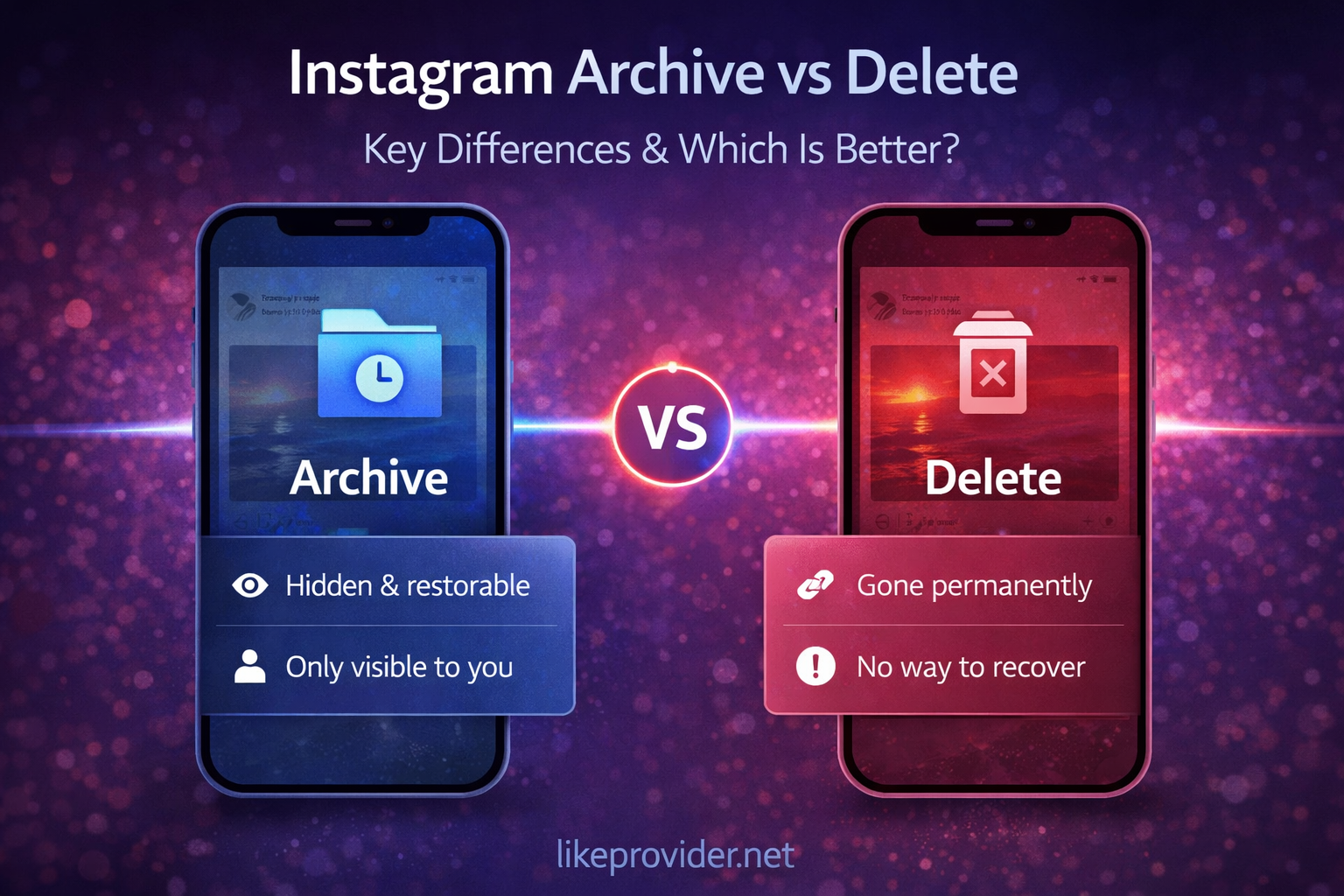
So archive vs delete instagram: archive hides but keeps the post; delete removes it forever. For more Instagram features, see our how to repost on Instagram and Instagram Story dimensions.
What Happens When You Archive a Post on Instagram?
When you archive a post on Instagram, it disappears from your profile and your followers can no longer see it. The post is moved to your Archive—you can open it from your profile by tapping the Menu (hamburger) icon, then Archive. No one is notified. You still own the post; it is just hidden. Want it back on your profile? You can unarchive anytime: open Archive, open the post, tap the three dots, then Show on profile. Archive is private and fully reversible. For engagement tips, pair with our Instagram Reels caption generator and best time to post on Instagram.
What Happens When You Delete a Post on Instagram?
When you delete a post on Instagram, it is permanently removed from Instagram. It is gone from your profile and from Instagram's servers. You cannot recover it—likes, comments, and the post itself are lost. No one is notified. If you might want the post back later, use Archive instead of Delete. For more Instagram guides, see our Instagram Collab Post and Instagram Reel length.
When to Use Archive vs Delete – Which Is Better?
Which is better: archive or delete? It depends on what you want.
- Use archive when you want to hide a post temporarily or might want it back later—e.g. cleaning your feed, hiding old posts, or rethinking your grid. Archive is safer if you are unsure; you can always delete later from Archive.
- Use delete when you want to remove a post permanently and never need it again—e.g. wrong post, outdated content, or content you no longer want on Instagram. Once you delete, it is gone for good.
In short: archive = hide but keep; delete = remove forever. For growing your feed, use our Instagram caption generator, Instagram Reel dimensions, and best time to post on Instagram.
How to Archive a Post on Instagram (2026)
How to archive a post on Instagram: Open the app and go to the post you want to archive. Tap the three dots (top right), then Archive. The post disappears from your profile and moves to your Archive. No one is notified. To unarchive later, go to your profile, tap the Menu (hamburger) icon, then Archive. Open the post, tap the three dots, then Show on profile. For more Instagram how-tos, see our how to repost on Instagram and Instagram Collab Post.
How to Delete a Post on Instagram (2026)
How to delete a post on Instagram: Open the app and go to the post you want to delete. Tap the three dots (top right), then Delete. Confirm. The post is permanently removed. You cannot undo this. If you are not sure, use Archive instead—you can always delete from Archive later. For Reel and Story specs, see our Instagram Reel dimensions, Instagram Reel length, and Instagram Story dimensions.
Can You Recover Archived or Deleted Posts?
Can you recover an archived Instagram post? Yes. Archived posts stay in your Archive (Profile → Menu → Archive). You can unarchive a post anytime to restore it to your profile. Archive is fully reversible.
Can you recover a deleted Instagram post? No. Once you delete a post on Instagram, it cannot be recovered. Instagram does not keep deleted posts. If you want to hide a post but keep the option to bring it back, use Archive instead of Delete. For more tips, see our Instagram Mute vs Unfollow and best time to post on Instagram.
Quick Reference: Instagram Archive vs Delete (2026)
Use this table for instagram archive vs delete at a glance:
| Topic | Archive | Delete |
|---|---|---|
| Post on your profile? | Hidden | Gone |
| Can you recover? | Yes (unarchive) | No |
| Where does it go? | Your Archive (private) | Permanently removed |
| Reversible? | Yes | No |
| Best for | Hide temporarily, might want back | Remove forever |
This is the complete archive vs delete instagram quick reference for 2026. For more tools, see our Instagram Reel dimensions, Instagram Reels caption generator, and Instagram Mute vs Unfollow.
FAQ: Instagram Archive vs Delete
What is the difference between archive and delete on Instagram?
Archive hides a post from your profile but keeps it in your private Archive so you can restore it anytime. Delete permanently removes the post from Instagram; you cannot recover it. Archive is reversible; delete is not.
What happens when you archive a post on Instagram?
The post disappears from your profile and your followers can no longer see it. It is moved to your Archive (Profile > Menu > Archive). You can unarchive it anytime to put it back on your profile. No one is notified.
What happens when you delete a post on Instagram?
The post is permanently removed from Instagram. It is gone from your profile and from Instagram's servers. You cannot recover it. Likes, comments, and the post itself are lost. No one is notified.
Can you recover a deleted Instagram post?
No. Once you delete a post on Instagram, it cannot be recovered. If you want to hide a post but keep the option to bring it back, use Archive instead of Delete.
Can you recover an archived Instagram post?
Yes. Archived posts stay in your Archive (Profile > Menu > Archive). You can unarchive a post anytime to restore it to your profile. Archive is fully reversible.
Which is better: archive or delete on Instagram?
Use archive when you want to hide a post temporarily or might want it back later (e.g. cleaning your feed, hiding old posts). Use delete when you want to remove a post permanently and never need it again. Archive is safer if you are unsure.
How do I archive a post on Instagram?
Open the post, tap the three dots (top right), then tap Archive. The post moves to your Archive. To unarchive: go to Profile > Menu > Archive, open the post, tap the three dots, then Show on profile.
How do I delete a post on Instagram?
Open the post, tap the three dots (top right), then tap Delete. Confirm. The post is permanently removed. You cannot undo this.