Quick Answer: Instagram mute hides someone's posts and/or stories from your feed without unfollowing them—they are not notified. Unfollow removes them from your following list; they are not notified by Instagram, but they can see you unfollowed if they check.
- Mute: Tap their profile → Following → Mute (Posts, Stories, or both). You still follow them; they don't know. Reversible anytime.
- Unfollow: Tap their profile → Following → Unfollow. You stop following; they can notice if they look at their followers.
- Which is better? Use mute when you want to hide their content without them knowing (e.g. acquaintances, exes). Use unfollow when you're fine with them possibly noticing (cleanup, breakups). For more Instagram tips, see our Instagram caption generator and best time to post on Instagram.
Instagram Mute vs Unfollow (2026) – Key Differences & Which Is Better?
What happens when you mute or unfollow someone on Instagram, and which option is better for you
Confused between Instagram mute and unfollow? Learn the key differences in 2026: what happens when you mute someone, what happens when you unfollow someone, and which option is better for you. This guide covers mute vs unfollow Instagram step by step. Pair with our Instagram Collab Post, how to repost on Instagram, Instagram Reel dimensions, and best time to post on Instagram.
What You'll Find on This Page
If you're looking for instagram mute vs unfollow, mute vs unfollow instagram, or what happens when you mute or unfollow someone, you're in the right place. This 2026 guide includes:
- What Instagram mute is – Hide posts and/or stories without unfollowing; they are not notified.
- What unfollow is – Stop following someone; Instagram does not notify them.
- Key differences – Mute vs unfollow in a clear comparison and table.
- What happens when you mute or unfollow – Exactly what each does on both sides.
- When to use mute vs unfollow – Which option is better for different situations.
- How to mute and how to unfollow – Step-by-step for 2026. Plus can they see if you muted or unfollowed.
- FAQ – Quick answers. For more Instagram tools, see our Instagram Reel dimensions, Instagram Reels caption generator, and Instagram following limit.
What Is Instagram Mute?
Instagram mute is a feature that lets you hide someone's posts and/or stories from your feed without unfollowing them. When you mute someone on Instagram, they still see you as a follower; they are not notified that you muted them. You can mute posts only, stories only, or both. Mute is reversible anytime—go to their profile, tap Following, then Unmute. For content that you do want to see, use our Instagram caption generator and Instagram Reels caption generator.
What Is Unfollow on Instagram?
Unfollow on Instagram means you stop following that account. Their posts and stories no longer appear in your feed because you're no longer following them. Instagram does not notify the user when you unfollow. They can see that you unfollowed only if they check their followers list or notice their follower count drop. You can follow them again later if you want. For growing your account instead, see our best time to post on Instagram and Instagram Collab Post.
Key Differences: Mute vs Unfollow on Instagram
The main difference between mute and unfollow on Instagram:
- Mute: You still follow them. Their content is hidden from your feed (posts and/or stories). They are not notified. They still see you in their followers. You can unmute anytime.
- Unfollow: You no longer follow them. Their content no longer appears because you're not following. They are not notified by Instagram. They can see you unfollowed if they check. You can follow again later.
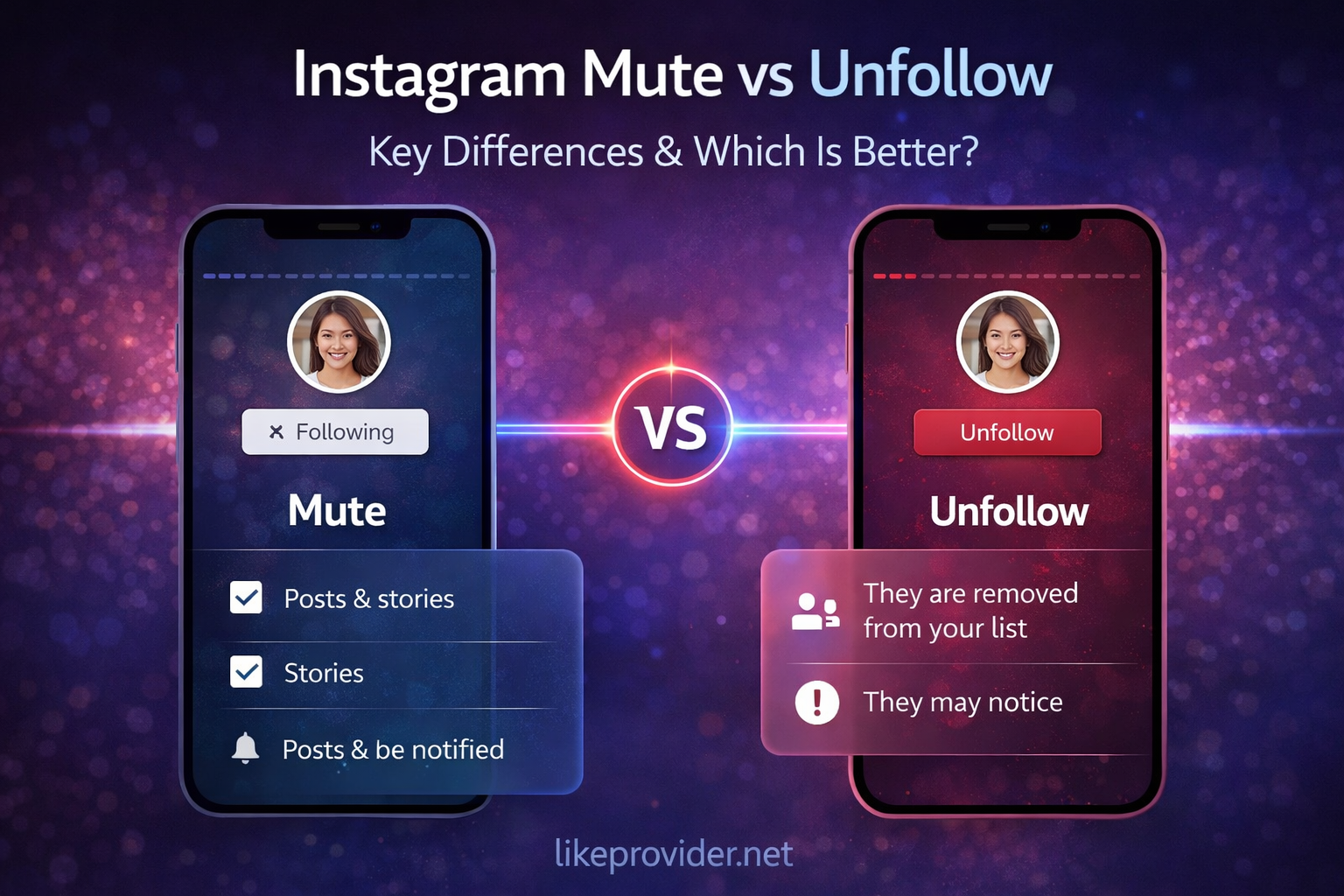
So mute vs unfollow instagram: mute keeps the follow connection but hides content; unfollow removes the connection. For more Instagram features, see our how to repost on Instagram and Instagram Story dimensions.
What Happens When You Mute Someone on Instagram?
When you mute someone on Instagram, their posts and stories—depending on what you muted—stop showing up in your feed. Instagram does not notify them, so they have no idea you muted them. You still follow them and stay in their followers list; from their side, nothing changes. If they open your profile, they can still see your posts because you remain a follower. Want to see their content again? You can unmute anytime: open their profile, tap Following, then Unmute. Mute is private and fully reversible. For engagement tips, pair with our Instagram Reels caption generator and best time to post on Instagram.
What Happens When You Unfollow Someone on Instagram?
When you unfollow someone on Instagram, you stop following them, so their posts and stories no longer show in your feed. Instagram does not send them a notification—they won’t get an alert. Your name drops off their followers list and their follower count goes down by one. They can only notice you unfollowed if they check their followers or spot the change in their count. Unfollowing doesn’t remove them from your followers; they can still follow you if they want. You can also follow them again later by visiting their profile and tapping Follow. For more Instagram guides, see our Instagram Collab Post and Instagram Reel length.
When to Use Mute vs Unfollow – Which Is Better?
Which is better: mute or unfollow? It depends on what you want.
- Use mute when you want to hide someone's content without them knowing—e.g. acquaintances, exes, someone you don't want to offend, or a temporary break. Mute is better for avoiding drama; they still see you as a follower.
- Use unfollow when you're fine with them possibly noticing—e.g. cleaning your following list, ending a connection, or accounts you no longer care about. Unfollow is more decisive; they can see you're no longer following.
In short: mute = invisible break; unfollow = visible break. For growing your own feed, use our Instagram caption generator, Instagram Reel dimensions, and best time to post on Instagram.
How to Mute Someone on Instagram (2026)
How to mute someone on Instagram: Open the app and go to the profile of the account you want to mute. Tap Following (or the three dots next to it), then Mute. You can choose to mute only posts, only stories, or both—Mute Posts, Mute Stories, or Mute Posts and Stories. They are not notified. To unmute later, open their profile again, tap Following, then Unmute. For more Instagram how-tos, see our how to repost on Instagram and Instagram Collab Post.
How to Unfollow Someone on Instagram (2026)
How to unfollow someone on Instagram: Open the app and go to their profile. Tap Following, then Unfollow and confirm. They are not notified. If you change your mind, you can follow them again later by visiting their profile and tapping Follow. For Reel and Story specs, see our Instagram Reel dimensions, Instagram Reel length, and Instagram Story dimensions.
Can They See If You Muted or Unfollowed?
Can someone see if you muted them on Instagram? No. Instagram does not notify users when you mute them. They cannot see that they are muted. You still appear in their followers list. Mute is private.
Can someone see if you unfollowed them on Instagram? Instagram does not send a notification when you unfollow. They can see you unfollowed only if they check their followers list or notice their follower count decreased. Some third-party apps may notify; Instagram itself does not. For more privacy and growth tips, see our Instagram following limit and best time to post on Instagram.
Quick Reference: Instagram Mute vs Unfollow (2026)
Use this table for instagram mute vs unfollow at a glance:
| Topic | Mute | Unfollow |
|---|---|---|
| Do you still follow? | Yes | No |
| Their content in your feed? | Hidden (posts/stories) | Gone (not following) |
| Are they notified? | No | No |
| Can they see? | No (private) | Yes, if they check followers |
| Reversible? | Yes (Unmute) | Yes (Follow again) |
| Best for | Hide content without them knowing | Clean list; they may notice |
This is the complete mute vs unfollow instagram quick reference for 2026. For more tools, see our Instagram Reel dimensions, Instagram Reels caption generator, and Instagram Collab Post.
FAQ: Instagram Mute vs Unfollow
What is the difference between mute and unfollow on Instagram?
Mute hides someone's posts and/or stories from your feed without unfollowing them; they still see you as a follower and are not notified. Unfollow removes them from your following list; they are not notified by Instagram but can see you unfollowed if they check their followers.
What happens when you mute someone on Instagram?
Their posts and/or stories stop appearing in your feed. They are not notified. You still follow them; they can still see you in their followers list. You can unmute anytime from their profile (Following → Unmute).
What happens when you unfollow someone on Instagram?
You stop following them. They are not notified. Your name disappears from their followers list. They can see you unfollowed if they check. You can follow them again later.
Can someone see if you muted them on Instagram?
No. Instagram does not notify users when you mute them. They cannot see that they are muted. You still appear in their followers list. Mute is private.
Can someone see if you unfollowed them on Instagram?
Instagram does not send a notification when you unfollow. They can see you unfollowed only if they check their followers list or notice their follower count changed. Instagram itself does not notify.
Which is better: mute or unfollow on Instagram?
Use mute when you want to hide their content without them knowing (e.g. acquaintances, exes, avoiding drama). Use unfollow when you're fine with them possibly noticing (cleanup, breakups). Mute is better for invisible break; unfollow is more decisive.
How do I mute someone on Instagram?
Go to their profile, tap Following (or the three dots), then Mute. Choose Mute Posts, Mute Stories, or Mute Posts and Stories. To unmute, go back to their profile, tap Following, then Unmute.
How do I unfollow someone on Instagram?
Go to their profile and tap Following. Tap Unfollow to confirm. They are not notified. You can follow them again later if you want.