Updated for 2026 · Last tested: February 2026 · Reviewed by LikeProvider Social Media Team
Quick Answer
Instagram creator vs business account: Creator is for influencers and content creators—you get insights, monetization (subscriptions, badges where eligible), and a Creator category. Business is for brands and businesses—you get insights, a Contact button, ads, and shopping. Both offer more than Personal accounts. Choose Creator if you focus on content and creator earnings; choose Business if you run a brand, shop, or local business. You can switch in Settings. Updated for 2026.
At a glance:
- Creator — Monetization (badges, subscriptions), creator insights, no Contact button by default.
- Business — Contact button, ads, shopping, business insights.
Related: Restrict vs Block · Link in Bio Tools · Bio Generator
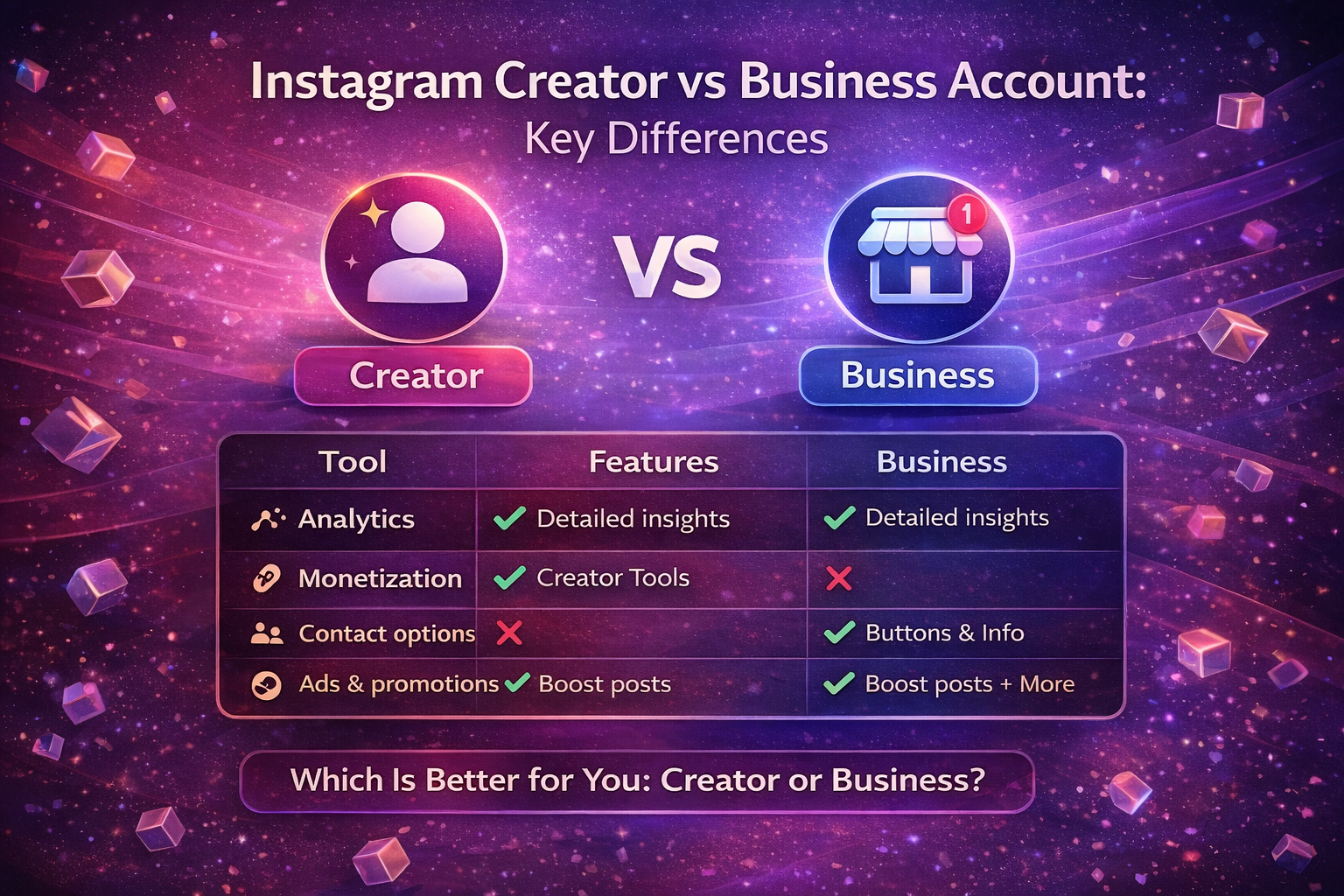
Instagram Creator vs Business Account: Which One Is Better? (2026)
Instagram creator vs business account explained. Compare features, analytics, monetization, and benefits to choose the best Instagram account type in 2026.
What Is Instagram Creator vs Business Account?
Instagram creator vs business account are two professional account types on Instagram. A Creator account is aimed at influencers, artists, and content creators: you get insights, monetization tools (e.g. subscriptions, Live badges where eligible), and a Creator category. A Business account is aimed at brands, shops, and local businesses: you get insights, a Contact button (email, phone), ads, and shopping features. Both give you more than a Personal account; the difference is focus (creator earnings vs business/customer contact). For more Instagram tools, see our Restrict vs Block and Link in Bio Tools.
Key Differences: Creator vs Business (Table)
Use this table to compare Instagram creator vs business account:
| Topic | Creator | Business |
|---|---|---|
| Best for | Influencers, creators, artists | Brands, shops, local businesses |
| Analytics / Insights | Yes (creator-focused) | Yes (business-focused) |
| Monetization | Subscriptions, badges (where eligible) | Ads, shopping |
| Contact button | Not default | Yes (email, phone) |
| Category | Creator, Blogger, etc. | Business, Brand, etc. |
| Switch | Yes, in Settings | Yes, in Settings |
So Creator emphasizes monetization and creator tools; Business emphasizes contact, ads, and shopping. For a link to all your links in bio, see our Link in Bio Tools.
Creator Account: Features & Benefits
Instagram Creator account benefits include:
- Insights — Reach, impressions, engagement, and audience data tailored to creators.
- Monetization — Access to subscriptions, Live badges, and other creator earnings (where eligible by region and Instagram rules).
- Creator category — Your profile can show a Creator category (e.g. Blogger, Artist).
- Content tools — Scheduling and professional tools; no business address required.
Choose Creator if you are an influencer, artist, or content creator and want to focus on monetization and creator analytics. For growing your profile, see our Bio Generator and Link in Bio Tools.
Business Account: Features & Benefits
Instagram Business account benefits include:
- Insights — Reach, profile visits, website clicks, and business-oriented metrics.
- Contact button — Add email and/or phone so customers can contact you from your profile.
- Ads — Run Instagram ads and promote posts.
- Shopping — Use Instagram Shopping if you sell products (where available).
- Business category — Your profile can show a Business or Brand category.
Choose Business if you run a brand, shop, or local business and want contact, ads, and shopping. For a single link to your site or shop, see our Link in Bio Tools.
Which One Is Better? When to Choose
Instagram creator vs business account — which is better depends on your goal.
Choose Creator if you are an influencer, artist, or content creator and care most about monetization (subscriptions, badges) and creator-focused analytics. You don’t need a Contact button on your profile (you can use a link in bio for that).
Choose Business if you run a brand, shop, or local business and want a Contact button, ads, and shopping. Your benefits are geared toward customer contact and sales.
You can switch between Creator and Business in Settings at any time; your content and followers stay. For more Instagram guides, see our Restrict vs Block and Mute vs Unfollow.
How to Switch to Creator or Business Account
You can switch your Instagram account type (Personal → Creator or Business, or between Creator and Business) in Settings.
Step 1
Open Settings
Open the Instagram app, go to your profile, tap the menu (≡) in the top right, then Settings and privacy.
Step 2
Account type
Tap Account type and tools (or Account), then Switch to professional account or Switch account type. If you’re already professional, you’ll see an option to switch between Creator and Business.
Step 3
Pick Creator or Business
Choose Creator or Business, then select a category (e.g. Blogger, Business). You can change the category later. Finish the setup. Your posts and followers are not affected.
For official steps, see Instagram Help. For more tools, see our Link in Bio Tools and Bio Generator.
Quick Reference: Creator vs Business (2026)
Use this table for Instagram creator vs business account at a glance:
| Topic | Details |
|---|---|
| Creator | Monetization (subscriptions, badges), creator insights. Best for influencers, artists. |
| Business | Contact button, ads, shopping, business insights. Best for brands, shops. |
| Switch | Settings → Account type and tools → Switch account type. Choose Creator or Business. |
For more tools, see our Restrict vs Block, Link in Bio Tools, and Bio Generator.
FAQ: Instagram Creator vs Business
What is the difference between Instagram Creator and Business account?
Creator accounts are for influencers and content creators: insights, monetization (badges, subscriptions), Creator category. Business accounts are for brands and businesses: insights, Contact button, ads, shopping. Both offer more than Personal; the focus and some features differ.
Which is better: Instagram Creator or Business account?
It depends. Choose Creator if you're a creator or influencer and want monetization and creator insights. Choose Business if you run a brand or shop and want Contact button, ads, and shopping. You can switch in Settings.
Do Creator and Business accounts have the same analytics?
Both get Instagram Insights (reach, engagement). Creator shows creator-focused metrics; Business shows business-focused ones (e.g. profile visits, website clicks). The data is similar; presentation can differ.
Can I monetize with Instagram Creator account?
Yes. Creator accounts can use monetization like subscriptions and Live badges where eligible (region and Instagram rules apply). Business accounts focus on ads and shopping; Creator focuses on creator earnings.
Can I switch from Creator to Business account?
Yes. Go to Settings → Account type and tools → Switch account type. You can switch between Creator and Business. Content and followers stay.
Does Business account have Contact button?
Yes. Business accounts can add a Contact button (email, phone) on their profile. Creator accounts typically don't show the same Contact button by default; use a link in bio for contact if needed.
What are the benefits of Instagram Creator account?
Creator benefits: professional insights, monetization (subscriptions, badges where eligible), Creator category, content tools. Good for influencers, artists, and content creators.
What are the benefits of Instagram Business account?
Business benefits: insights, Contact button (email/phone), ads, shopping, business category. Good for brands, shops, and local businesses.