Updated for 2026 · Last tested: February 2026 · Reviewed by LikeProvider Social Media Team
Quick Answer
Instagram restrict vs block: Restrict limits someone’s impact without them knowing—their comments on your posts are hidden from everyone else (only they see them), their DMs go to Message requests, and they’re not notified. Block means they can’t see your profile, posts, or Stories and can’t message you; they’re not notified. Use restrict when you want to reduce drama without a full cut-off; use block when you want full separation (harassment, ex, etc.). Updated for 2026.
At a glance:
- Restrict — They don’t know; comments hidden from others; DMs to requests. They can still see your posts if you’re public.
- Block — They can’t see your profile, posts, or Stories; can’t message you. Full separation.
Related: Mute vs Unfollow · Archive vs Delete · Close Friends
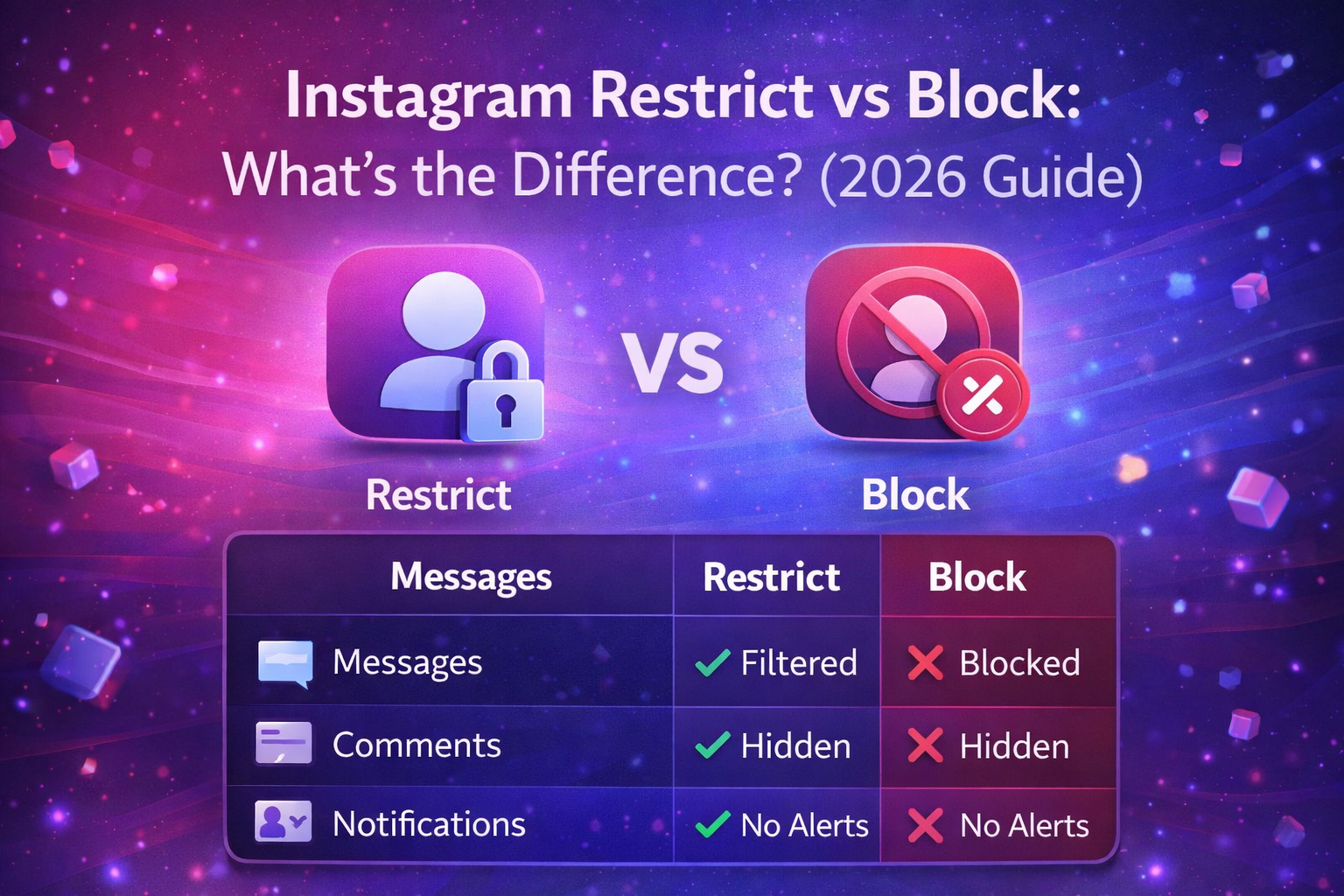
Instagram Restrict vs Block: What's the Difference? (2026 Guide)
Instagram restrict vs block explained. Key differences, what each option does, when to use restrict or block, and how it affects messages, comments, and privacy in 2026.
This guide explains Instagram restrict vs block: the key differences, when to use each, how to restrict or block someone step by step, and how restrict and block affect messages, comments, and your privacy. We keep it clear so you can choose the right option. For related guides, see our Mute vs Unfollow, Archive vs Delete, and Close Friends.
What Is Restrict vs Block on Instagram?
Instagram restrict vs block are two ways to limit someone’s access to you. Restrict is subtle: the person is not told they’re restricted. Their comments on your posts appear only to them (and to you); everyone else doesn’t see them unless you approve. Their direct messages go to your Message requests instead of your main inbox. They can still see your profile and posts if your account is public or they follow you. Block is full separation: they can’t see your profile, posts, or Stories; they can’t message you or tag you. They are not notified by Instagram when you restrict or block them. For more on limiting who sees your content, see our Close Friends and Hide Followers.
Key Differences: Restrict vs Block
Use this table to see Instagram restrict vs block at a glance:
| Topic | Restrict | Block |
|---|---|---|
| Do they know? | No. They are not notified. | No. They are not notified (may guess if they can’t find you). |
| Can they see your profile/posts? | Yes (if public or they follow you). | No. Profile appears unavailable or “User not found.” |
| Comments on your posts | Only they (and you) see their comments; others don’t unless you approve. | They can’t comment (they can’t see your posts). |
| Direct messages | Their DMs go to Message requests; you can read and reply without moving to main chat. | They can’t message you. |
| Reversible? | Yes. Unrestrict from their profile. | Yes. Unblock from Settings → Blocked accounts. |
So restrict keeps the connection visible to them but limits how their interactions affect you; block removes their access entirely. For a lighter option that only hides someone’s posts from your feed, see our Mute vs Unfollow.
When to Use Restrict on Instagram
Use restrict when you want to limit someone’s impact without a full cut-off and without them knowing. Good for:
- Annoying or negative comments — You don’t want to block (e.g. family, coworkers) but you want their comments hidden from others. Restrict hides their comments from everyone except them and you; you can approve or delete.
- Passive drama — Someone who leaves snarky comments or DMs. Restrict sends their DMs to requests and hides their comments so they don’t get attention from others.
- Keeping the door open — You still want them to see your posts (or you don’t want to make it obvious you’re cutting them off). Restrict is invisible; block is more obvious if they try to visit your profile.
Restrict is reversible: go to their profile and tap Unrestrict. For more on controlling who sees what, see our Close Friends.
When to Use Block on Instagram
Use block when you want full separation. Good for:
- Harassment or abuse — Block so they can’t see your profile, post comments, or send DMs. Report to Instagram if needed.
- Ex or someone you don’t want in your life — Block so they can’t view your content or contact you.
- When restrict isn’t enough — If you’ve restricted someone and still get unwanted contact or you simply don’t want them to see anything, block is the next step.
Block is reversible: go to Settings → Blocked accounts, find them, and tap Unblock. For account security, see our Two-Factor Authentication and Account Hacked Recover.
How to Restrict Someone on Instagram
Follow these steps to restrict someone. They will not be notified.
Step 1
Open their profile
Open the Instagram app and search for their username or tap their name from a comment or DM. Open their profile.
Step 2
Tap the menu and choose Restrict
Tap the three dots (⋮) in the top right, or tap Following if you follow them. In the menu, tap Restrict. Confirm if Instagram asks. Once restricted, their comments will be hidden from others (only they and you see them), and their DMs will go to Message requests. To unrestrict, go back to their profile, tap Restricted (or the three dots), then Unrestrict.
That’s it. Instagram restrict is now on for that account. For the opposite—hiding someone’s posts from your feed without them knowing—see our Mute vs Unfollow.
How to Block Someone on Instagram
Follow these steps to block someone. They will not be notified by Instagram.
Step 1
Open their profile
Open the Instagram app and go to their profile (search or tap their name from a comment or message).
Step 2
Tap the menu and choose Block
Tap the three dots (⋮) in the top right. Tap Block. Confirm when asked. Once blocked, they cannot see your profile, posts, or Stories; they cannot message you or tag you. They may see “User not found” or a blank profile if they try to open your account. To unblock later, go to Settings → Privacy → Blocked accounts (or Blocked accounts in Settings), find them, and tap Unblock.
That’s it. Instagram block is now on for that account. For more privacy options, see our Hide Followers and Close Friends.
How It Affects Messages, Comments & Privacy
Instagram restrict vs block affects messages, comments, and privacy differently.
Comments: When you restrict someone, their comments on your posts are only visible to them (and to you). Other followers don’t see those comments unless you tap “See comment” and approve. They don’t get a notification that their comment was restricted. When you block someone, they can’t comment at all because they can’t see your posts.
Messages (DMs): When you restrict someone, their direct messages go to your Message requests instead of your main inbox. You can read and reply without moving them to the main chat; they don’t see that their messages went to requests. When you block someone, they can’t send you DMs.
Privacy: Restrict doesn’t hide your profile or posts from them (if you’re public or they follow you). Block hides your profile and all content from them. Neither option notifies the person. For more on controlling who sees your content, see our Close Friends and Hide Likes.
Tips & Limitations: Instagram Restrict vs Block
Instagram restrict vs block has a few things to keep in mind:
- Restrict doesn't hide your Stories from them — If they follow you or your account is public, they can still see your Stories. Only comments and DMs are limited. For Stories-only control, use Close Friends.
- Block can be discovered — If someone is blocked, they may see "User not found" or an empty profile when they search for you. They are not told they're blocked, but they can guess. There is no way to block without that possibility.
- Both are reversible — You can unrestrict from their profile (tap Restricted → Unrestrict) and unblock from Settings → Blocked accounts. After unblocking, they can see your profile again and message you unless you restrict or block again.
- App and account type — Restrict and block work the same on Instagram app and sometimes on web; behavior can vary slightly by region and app version. We tested on the latest app in 2026.
Choosing restrict or block depends on whether you want to limit interactions secretly (restrict) or remove access completely (block). For hiding someone's posts from your feed only, see our Mute vs Unfollow.
Quick Reference: Instagram Restrict vs Block (2026)
Use this table for Instagram restrict vs block at a glance:
| Topic | Details |
|---|---|
| Restrict: they know? | No. Comments hidden from others; DMs to requests. Reversible. |
| Block: they know? | No (Instagram doesn’t notify). They can’t see your profile or message you. Reversible. |
| How to restrict | Profile → ⋮ or Following → Restrict. Unrestrict from profile. |
| How to block | Profile → ⋮ → Block. Unblock from Settings → Blocked accounts. |
For more tools, see our Mute vs Unfollow, Archive vs Delete, and Close Friends.
FAQ: Instagram Restrict vs Block
What is the difference between restrict and block on Instagram?
Restrict limits someone's interactions without them knowing: their comments on your posts are hidden from everyone (only they see them), their DMs go to Message requests, and they're not notified. Block means they can't see your profile, posts, or Stories and can't message you; they're not notified. Restrict is subtle; block is full separation.
When should I use restrict vs block on Instagram?
Use restrict when you want to limit someone's impact without them knowing (e.g. annoying comments, passive drama). Use block when you want full separation (harassment, ex, or you don't want them to see your profile at all). Restrict keeps the connection invisible; block removes it.
Can a restricted person see my posts on Instagram?
Yes. When you restrict someone, they can still see your posts and Stories if your account is public or they follow you. They don't know they're restricted. Only their ability to interact (comments visible to others, DMs in main inbox) is limited.
Can a blocked person see my profile on Instagram?
No. When you block someone, they cannot see your profile, posts, or Stories. They may see "User not found" or a blank profile. They cannot message you or tag you. They are not notified by Instagram that they're blocked.
Does restrict hide comments on Instagram?
Yes. When you restrict someone, their comments on your posts are only visible to them (and to you). Everyone else doesn't see their comments unless you approve them. They don't get a notification that their comment was restricted.
Do restricted users' DMs go to requests on Instagram?
Yes. When you restrict someone, their direct messages go to your Message requests instead of your main inbox. You can read and reply without moving them to the main chat. They don't see that their messages went to requests.
How do I restrict someone on Instagram?
Go to their profile, tap the three dots (⋮) or tap Following, then tap Restrict. Confirm if asked. To unrestrict, go to their profile again, tap Restricted, then Unrestrict.
How do I block someone on Instagram?
Go to their profile, tap the three dots (⋮), then tap Block. Confirm. They won't be notified. To unblock, go to Settings → Blocked accounts, find them, and tap Unblock.
Does Instagram notify when you restrict or block someone?
No. Instagram does not send a notification when you restrict or block someone. They may notice being blocked if they try to view your profile and see "User not found," but they are not told they are restricted or blocked.
Can I unrestrict or unblock someone on Instagram?
Yes. To unrestrict: go to their profile, tap Restricted (or the three dots), then Unrestrict. To unblock: go to Settings → Privacy → Blocked accounts (or Blocked accounts in Settings), find them, and tap Unblock. Both actions are reversible at any time.